14 Apr 2026
ePaper air quality dashboard
Should have just used a kindle
I’ve been collecting CO2 concentration, humidity, temperature and other properties of our apartment’s air for some time now. That data only lived in a ClickHouse instance with a Grafana dashboard to view it, but I’ve been missing a physical display for other people to view (and appreciate) the data. So I’ve finally set out to build a little ePaper dashboard.
At first I wanted to use an old Kindle Paperwhite I had lying around from years ago and build a little frontend application that renders charts using a plotting library. Then I realized that my Kindle was so old that it couldn’t run JavaScript to the extent required to chart data. Instead, I found this ePaper device by Elecrow for 30 bucks. It includes an ESP32-S3 to control the display. The original plan was to expose an endpoint from a service connected to the ClickHouse DB that serves the data I want to show on the dashboard. Then, the ePaper device would consume this data and render charts and values.
Once I started looking at the library the manufacturer ships to draw to the screen, it didn’t take long to realize that this wasn’t going to be so easy. Between all the comments in Chinese, it became clear that rendering an image on the server and merely painting that to the ePaper screen is the preferable way. If I went this way from the start, I probably could have made the Kindle work after all, although maybe still requiring jailbreaking.
Either way, I’ve now built an endpoint in my Rust service that renders an image comprised of a main CO2 chart as well as a couple of scalar values like current temperature and humidity, as well as - crucially - the current humidity in our laundry room.
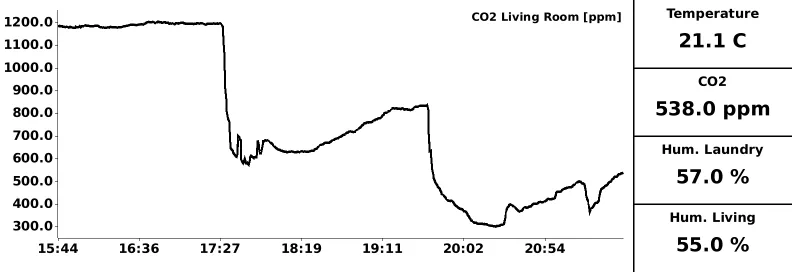
The CrowPanel device then loads this image every 2 minutes and paints it to the screen. Unfortunately I didn’t get deep sleep working without the screen somehow showing weird banding, so the device currently just sits around idle in between cycles. If you care to see the code on the device, you can find it here. The code that renders the image can be found here. All said and done, I’ve now set up the device in kind of a hallway in our apartment (in an admittedly janky way; I’ll think of a more permanent fixture one day, surely).
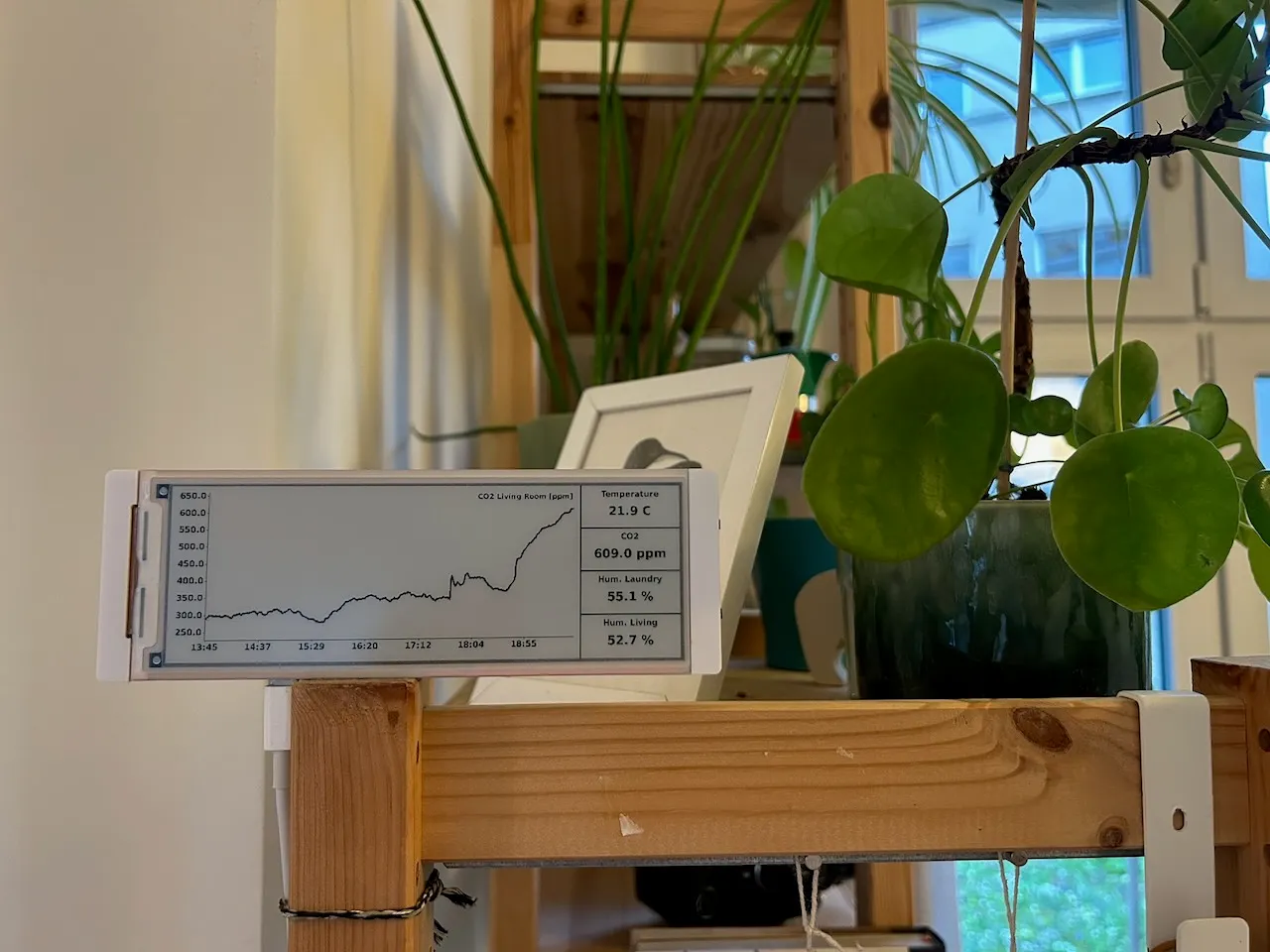
On a side note, both the rendering code and the embedded code were heavily vibe-coded. Iterating on the rendering in particular worked very well. On the embedded side, despite having access to the whole drawing library and a bunch of example code, it took a lot of churning to get usable code. And even then, the device occasionally just seizes up — probably the error handling with Wi-Fi connectivity is flaky, or there may even be a memory leak. I’ll need to manually look into this.