30 Dec 2025
Reflective: A simple self-hosted image gallery
A project report
Let me take you back to around 6 years ago. I was starting to de-Google my life, replacing Google Drive and Google Photos with pCloud. Now, while pCloud works fine as a cloud storage provider, it completely fails at the photo experience. At that time, viewing images was painfully slow, thumbnails took 10 seconds to load. It felt like they were regenerating thumbnails on every view.
This made me wonder if hosting and efficiently serving images was really that hard, or if pCloud simply didn’t care about the user experience. Google was pulling it off, but maybe that required hundreds of engineers and specialized compression schemes.
So I started my first real side project (apart from some smaller CLI tools) with foti. This is code I wrote with around 1 month of on-the-job frontend experience. View it at your own risk. I built a Python server that eagerly downsampled images for thumbnails and served them via a WebSocket connection (for whatever reason). The whole thing ran on a Raspberry Pi 4 in a box in my cupboard.
While the result wasn’t pretty, it validated my suspicion: Serving images at reasonable speeds wasn’t that hard. With a proof-of-concept done and my appetite for side projects awakened, I decided to first hone my web dev skills on an “easier” target: note taking. I thought I’d quickly build a note-taking application to satisfy a personal need, learn a ton in the process, then swiftly return to my actual goal — the image gallery.
If you’ve read about fieldnotes, you’ll know this became much more than a short intermezzo. I lost myself there for a couple of years, then a bunch of other projects snuck in, and here we are, quite a while later. When I finally returned to it, I started sketching out the feature set and architecture, only to be distracted again by another project. The second time around, I drastically cut the scope and finally pushed it over the line. This is the version I’m writing about now. As always, there are plenty of learnings here. Reflecting on those is the main reason I write these project reports.
Features
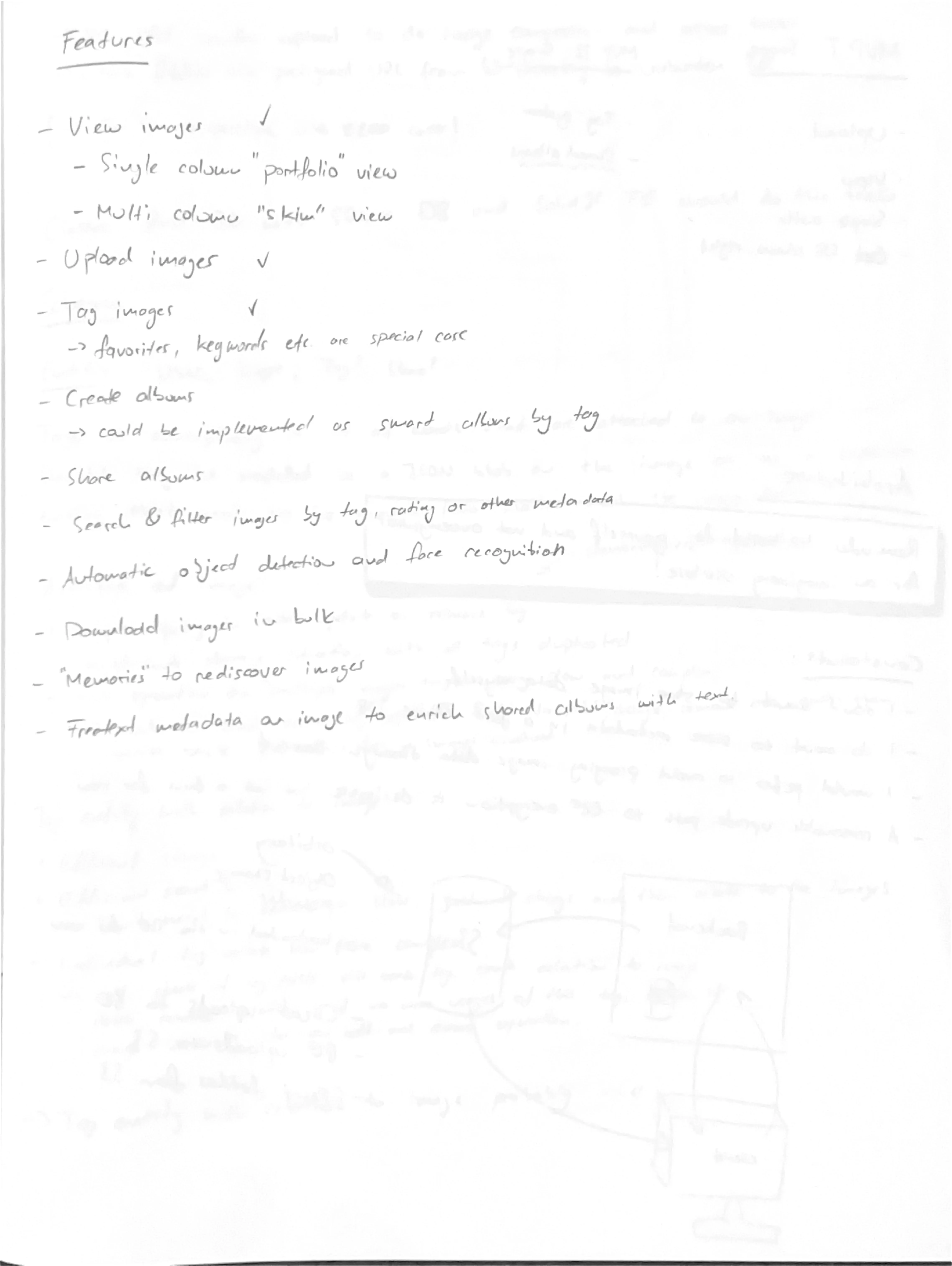
Reflective is currently a simple gallery for distraction-free viewing of my images. When you open the web app, you’re greeted with a grid of all the images ingested into the system:
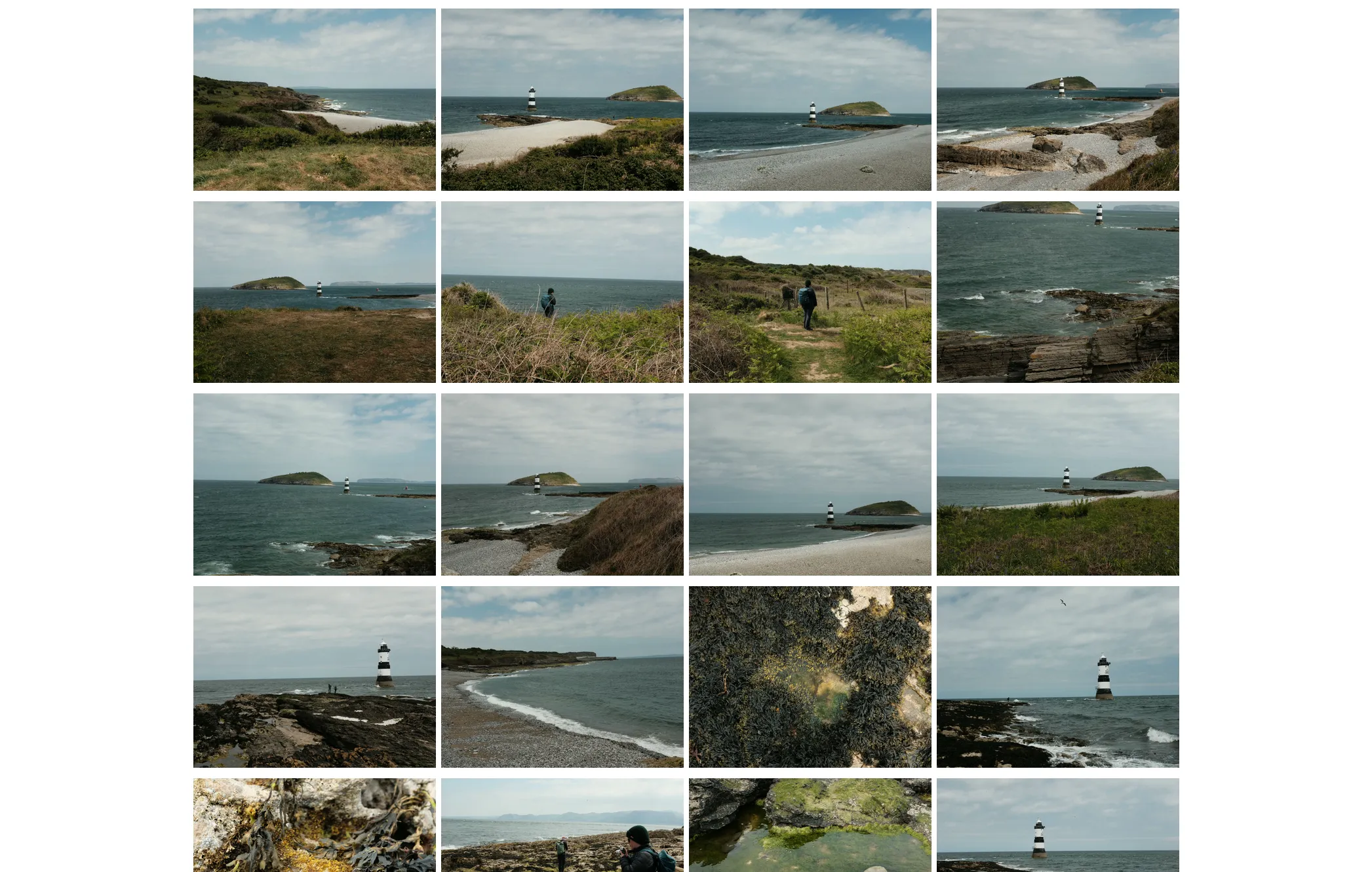
No buttons or labels to distract from the images. When scrolling, the application seamlessly loads more images. All images are cropped to a 4:3 landscape aspect ratio.
There’s no categorization into albums or folders, just a simple feed of images in reverse chronological order.
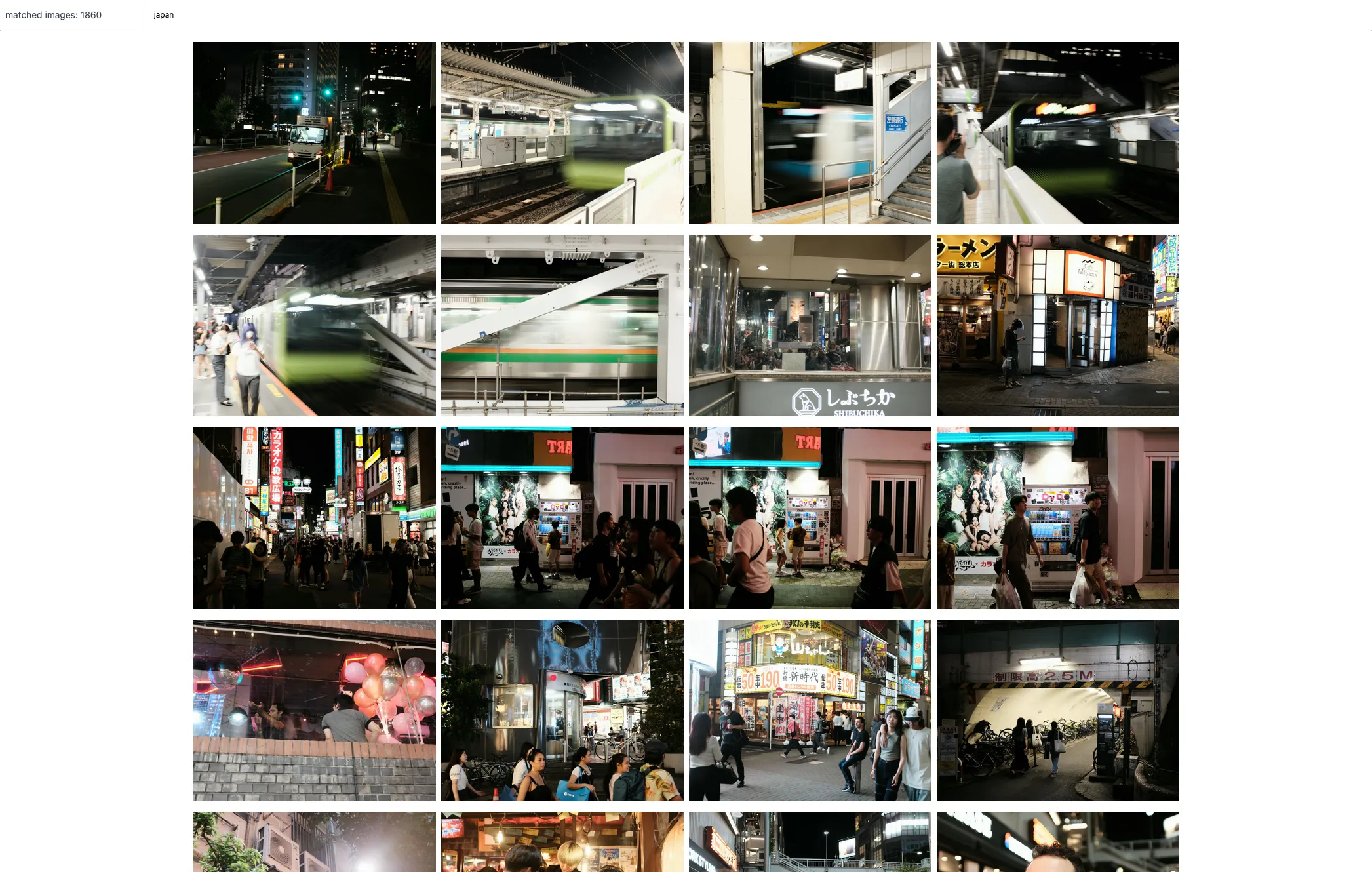
Images can have any number of tags associated with them. To find specific images, you can
open the search bar via shortcut (cmd+k) and search for any tag. In the following screenshot, the images are
filtered to ones tagged japan. There are 1860 images matching that query.
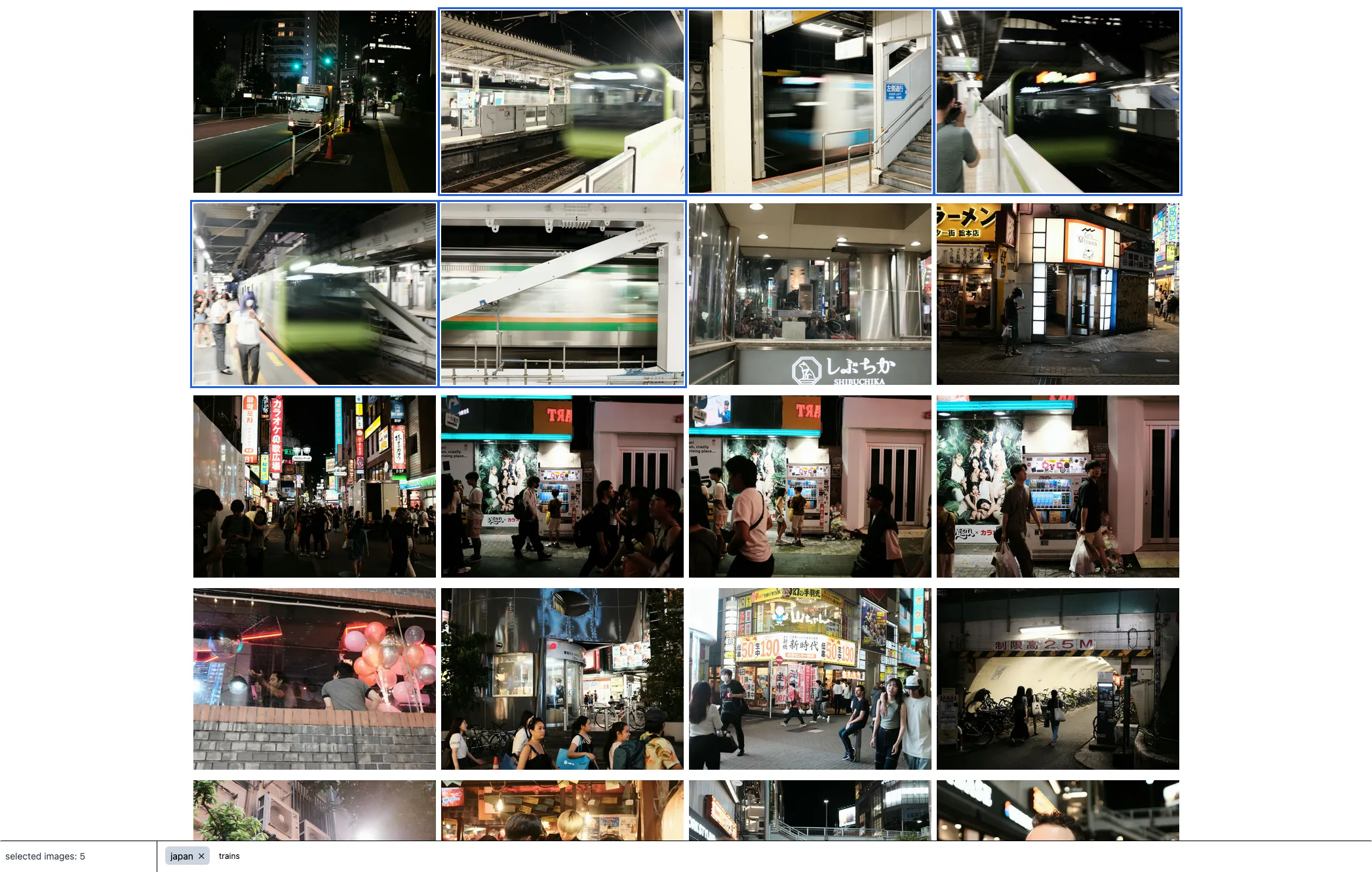
To tag images, open the tag view (cmd+e) and select individual images, or select all images between two
selections by holding down Shift. The tag bar shows tags that all selected images share, tags that
only some images have (in lighter gray), and an input field to add new tags to all selected images.
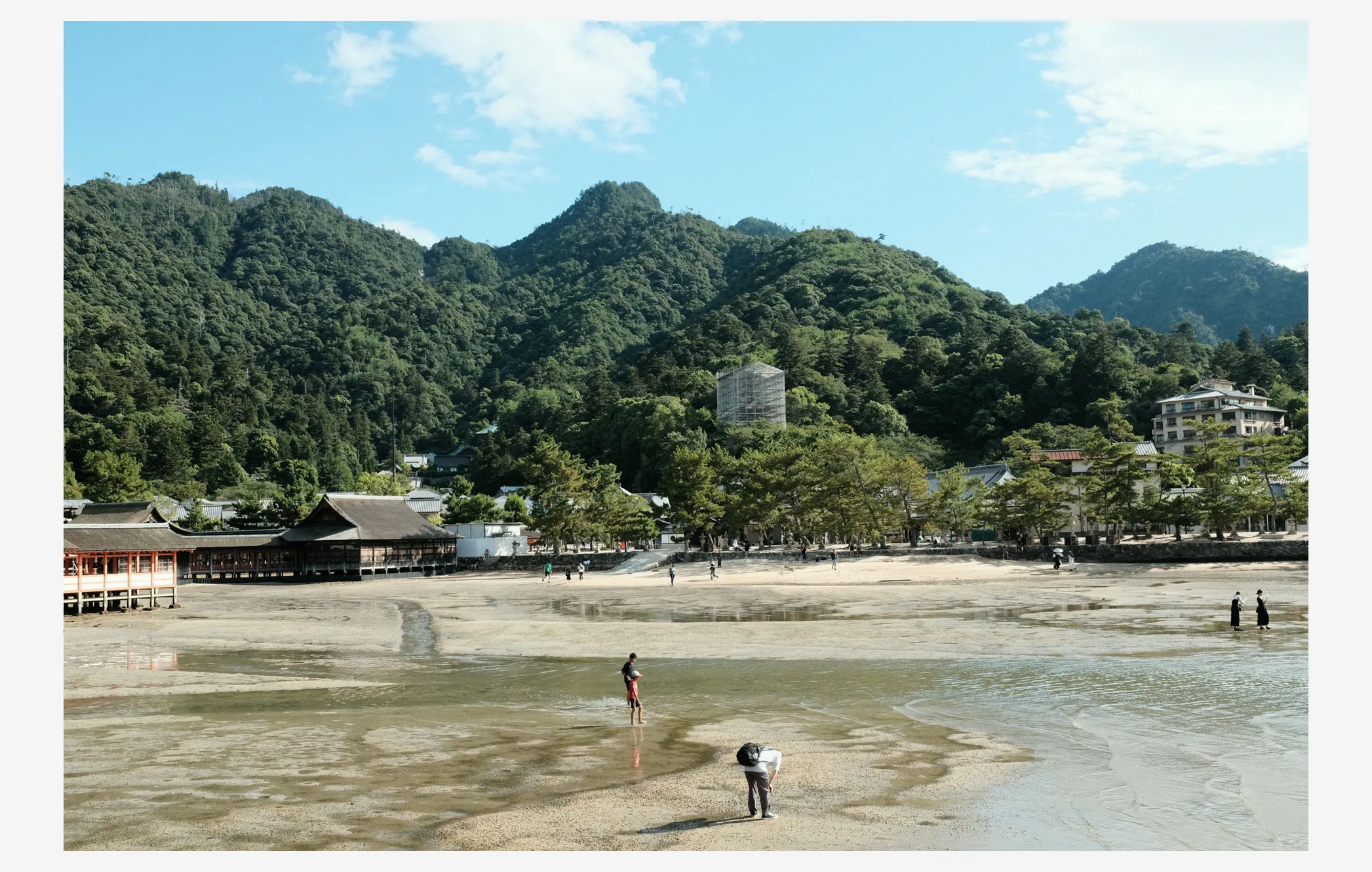
Back in normal view mode, clicking an image opens it in fullscreen. A lightbox fills the screen with shortcuts to navigate between images and load the full-resolution version for zooming into details.
Hitting cmd+i displays selected metadata below the image.
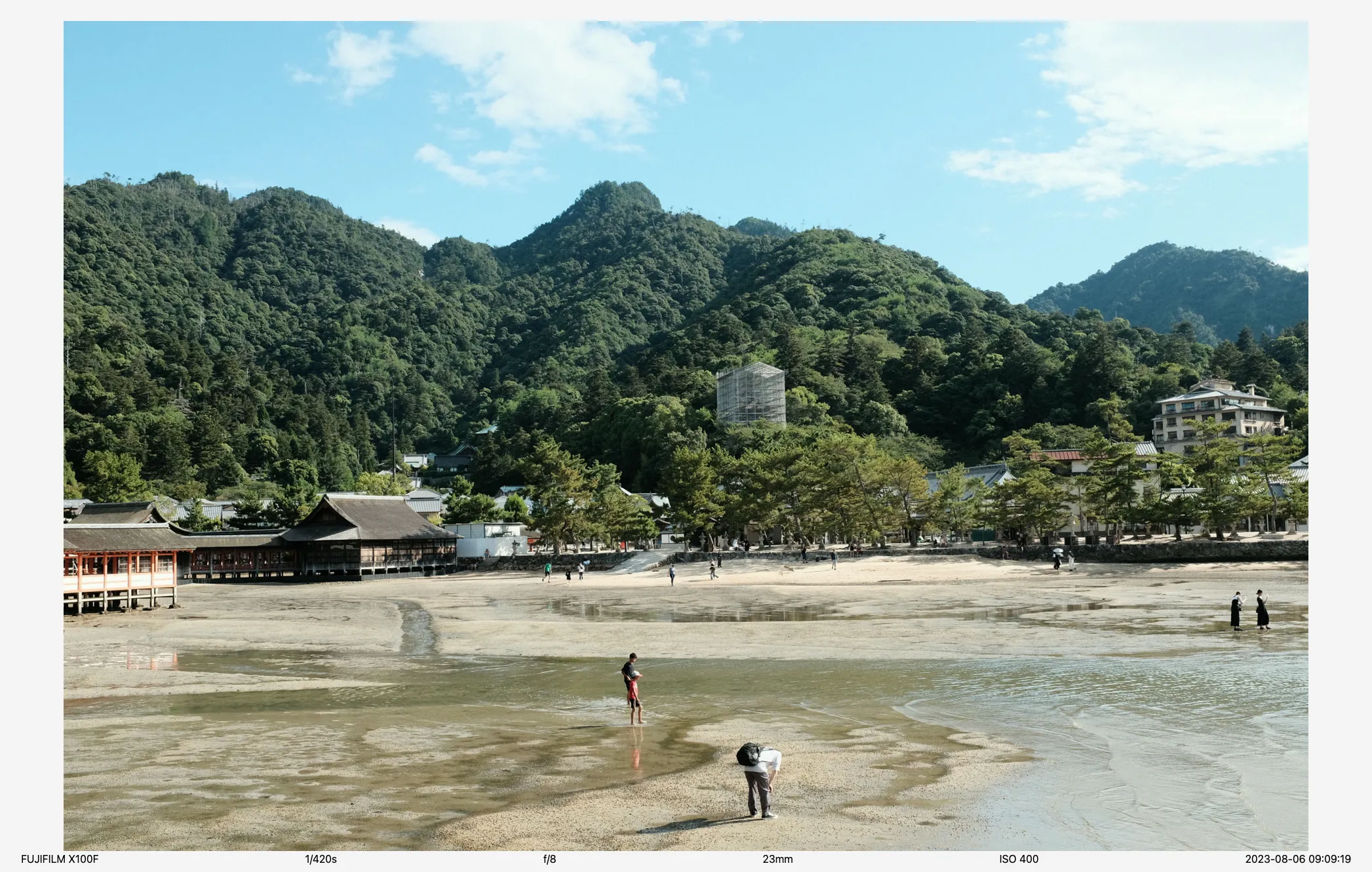
To ingest images into reflective, I copy files into a folder on my server and create a marker file in a specific location. The server recognizes the new files and starts downsampling them for thumbnails. Once complete, the new images appear in the view.
Architecture
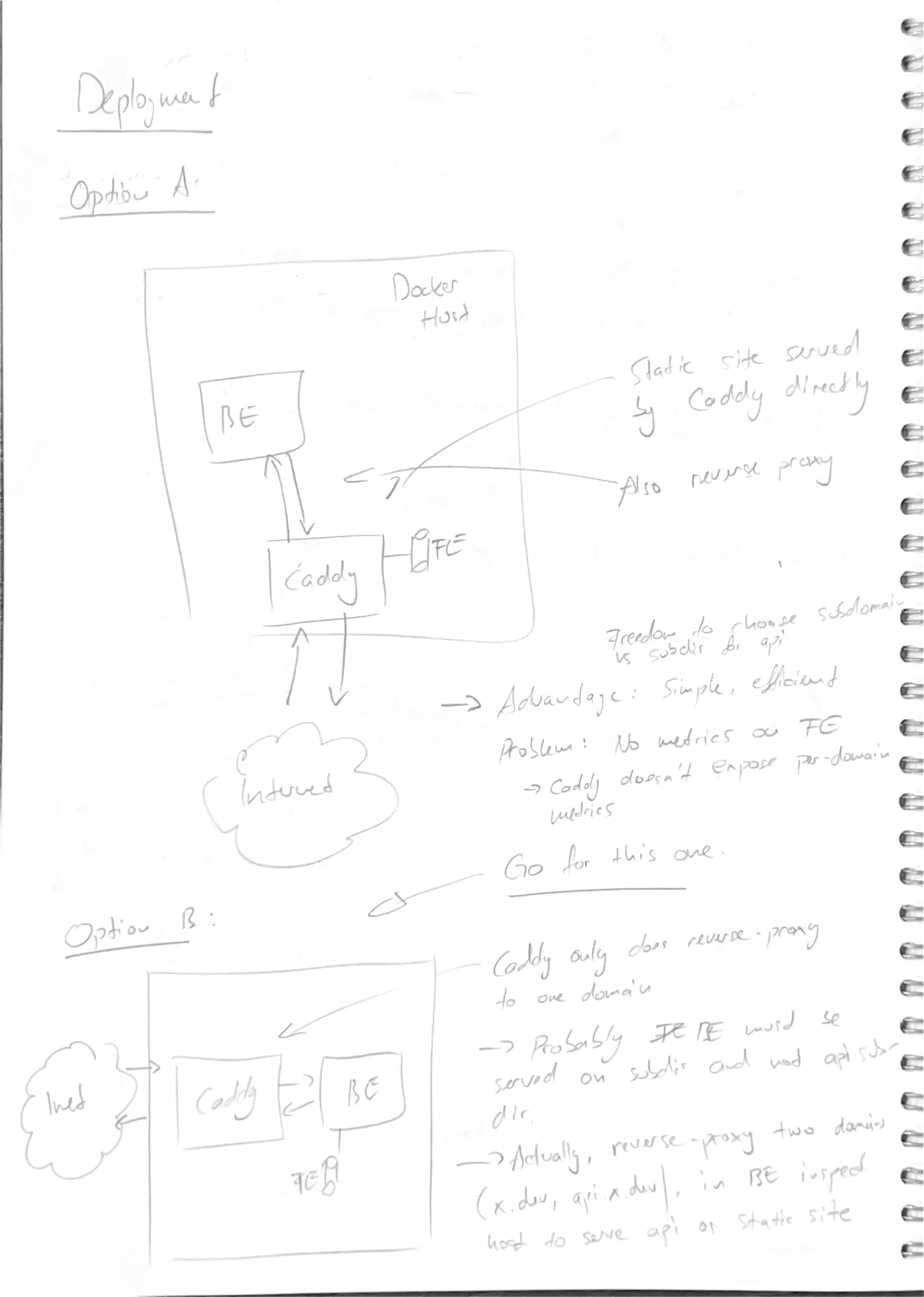
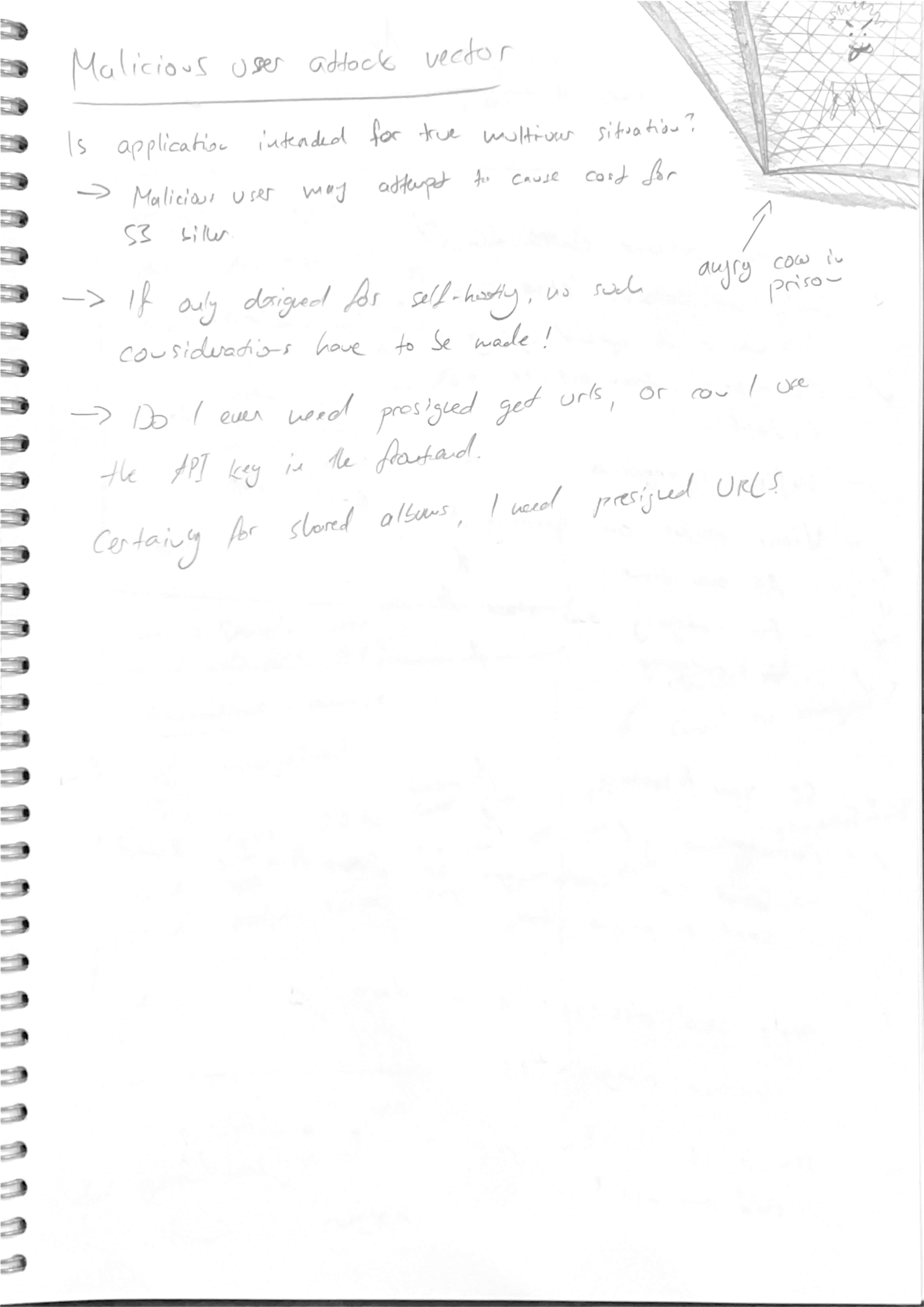
As with rest.quest, I first brainstormed on paper what the application should do and how it should work. For reflective, this became quite a ramble, but I enjoy this process. In hindsight, I once again over-engineered everything — it’s always easy to dream up mechanisms and features, but pragmatism only kicks in when it’s time to implement.
In the scans below, you’ll find my entire thought process detailed.
Full concept
See if you can find the angry cow in prison.
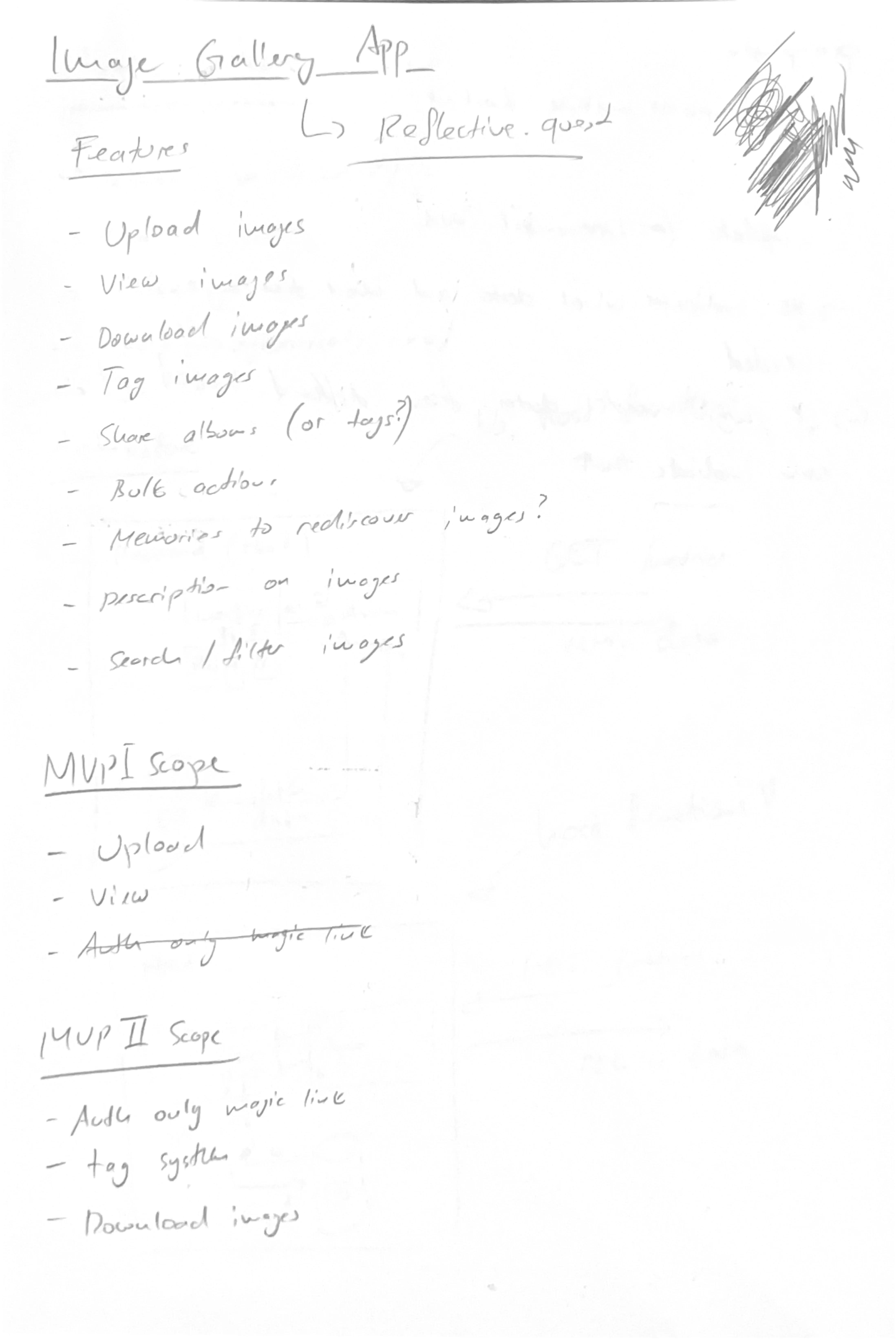
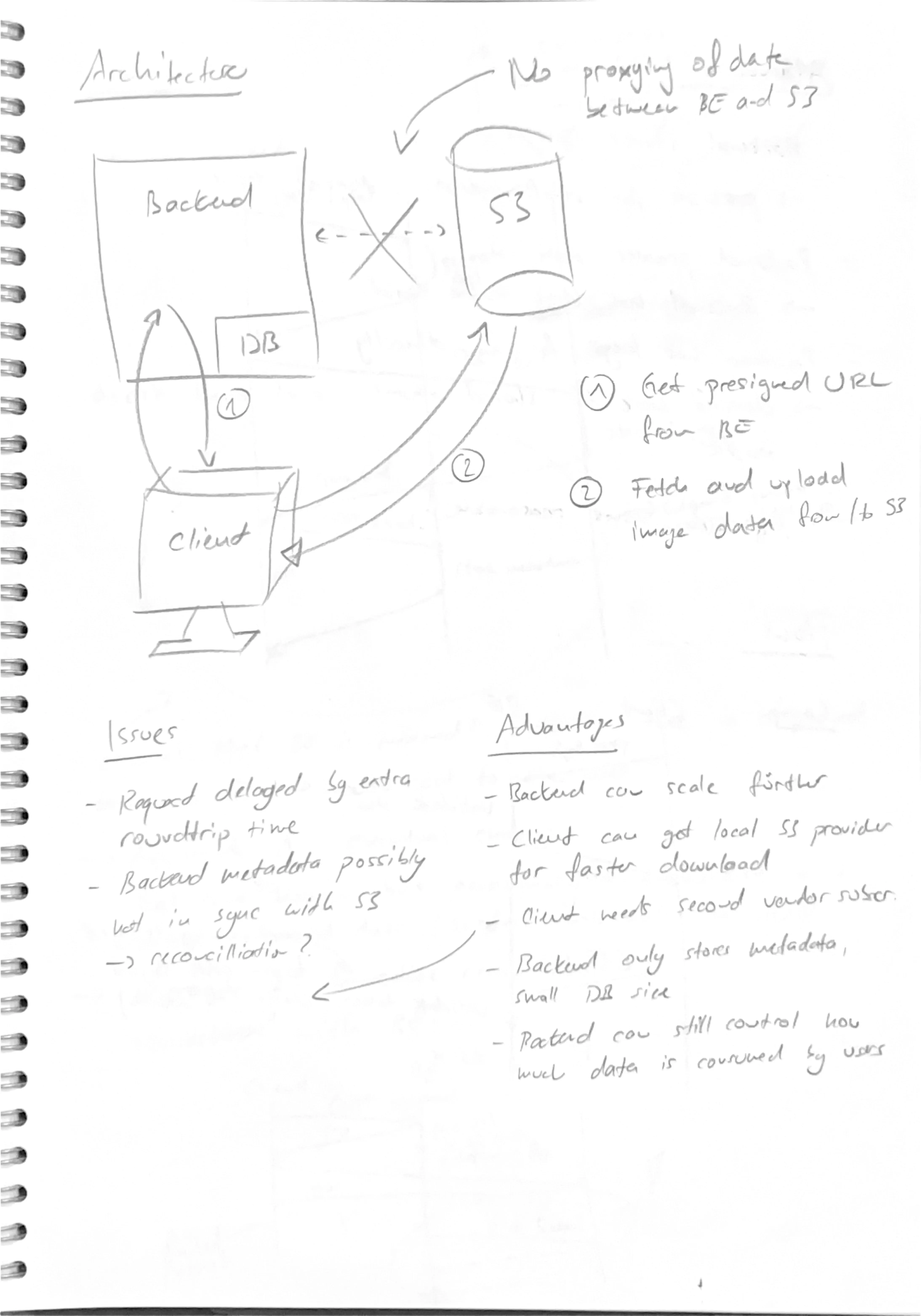
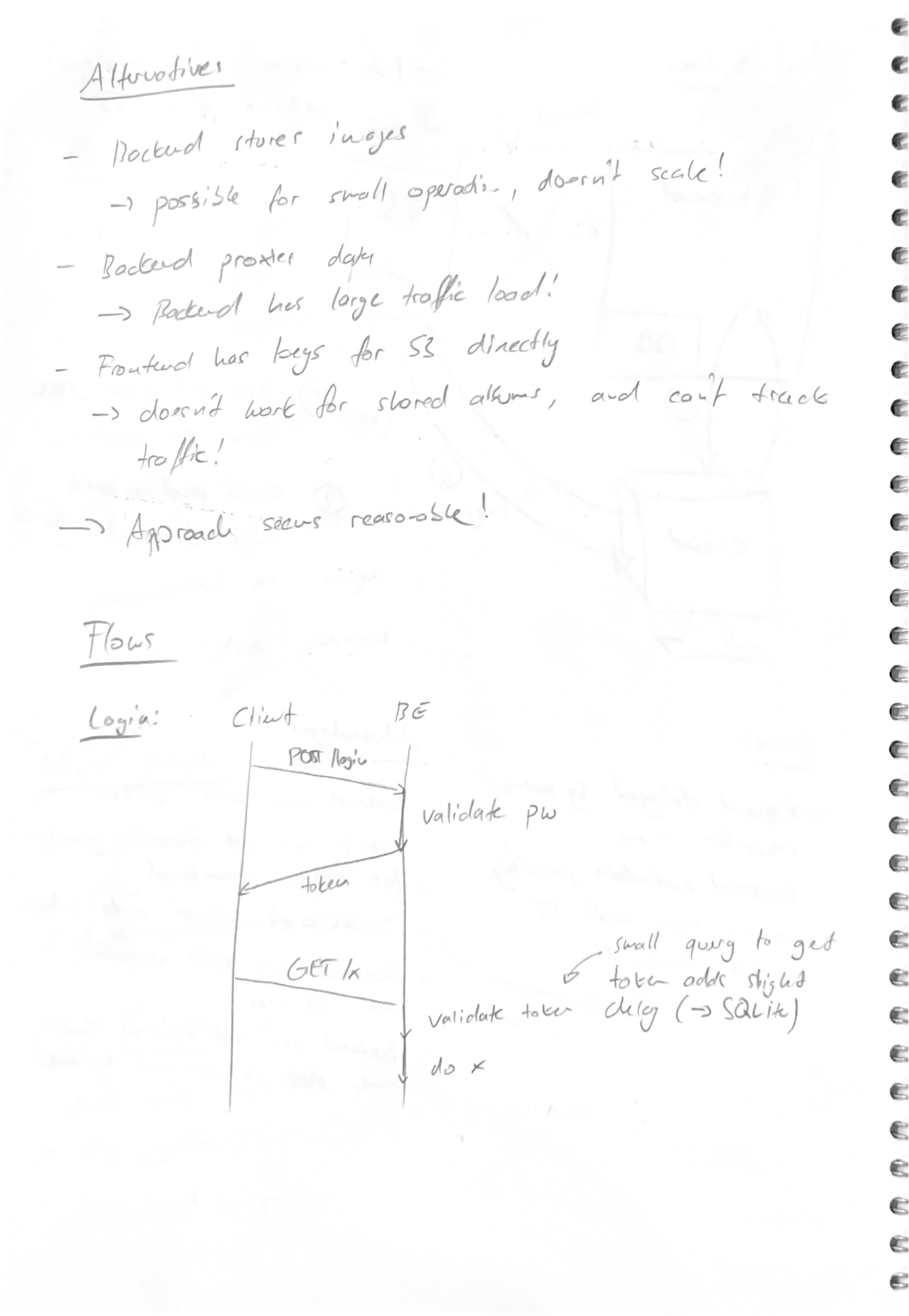
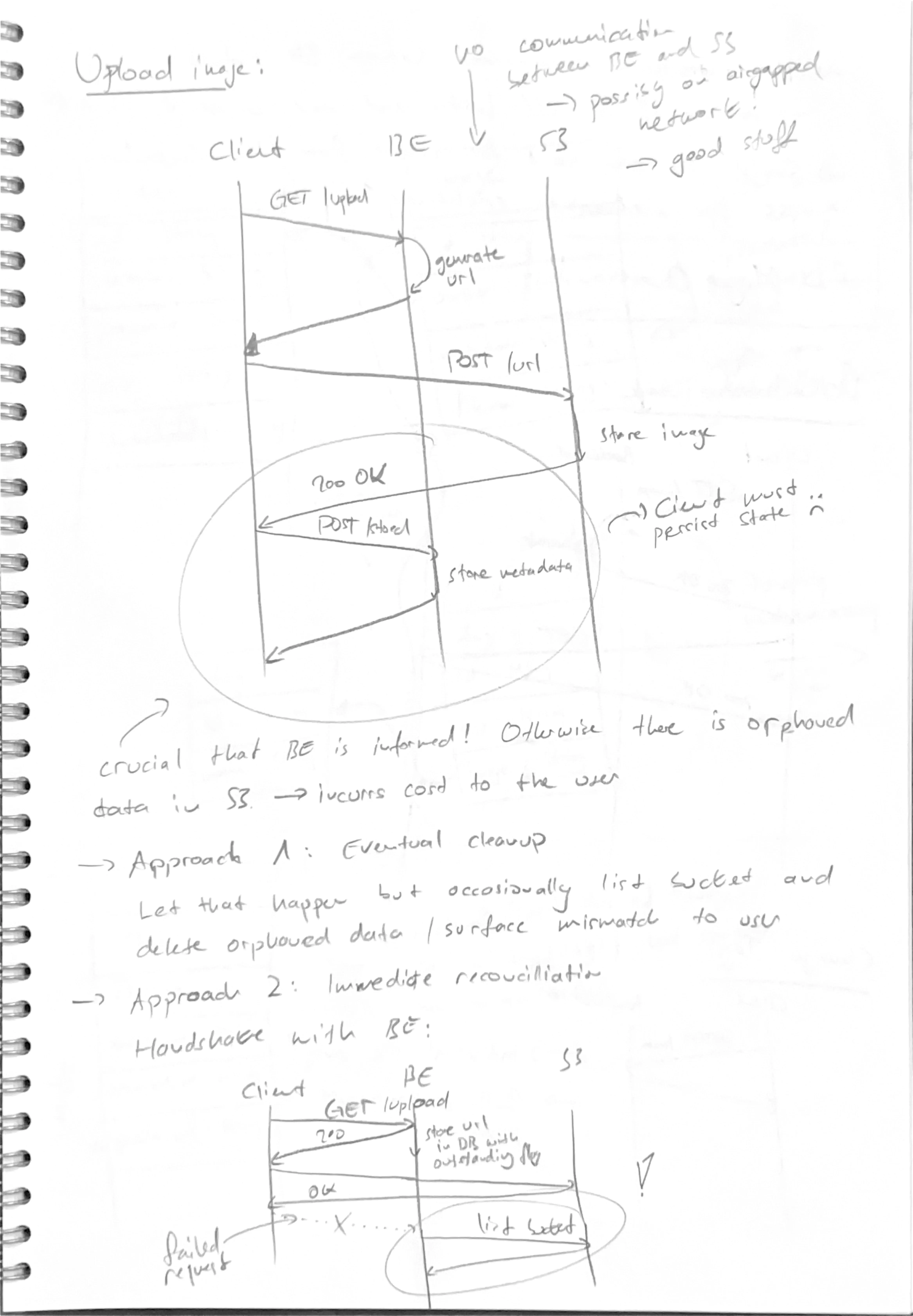
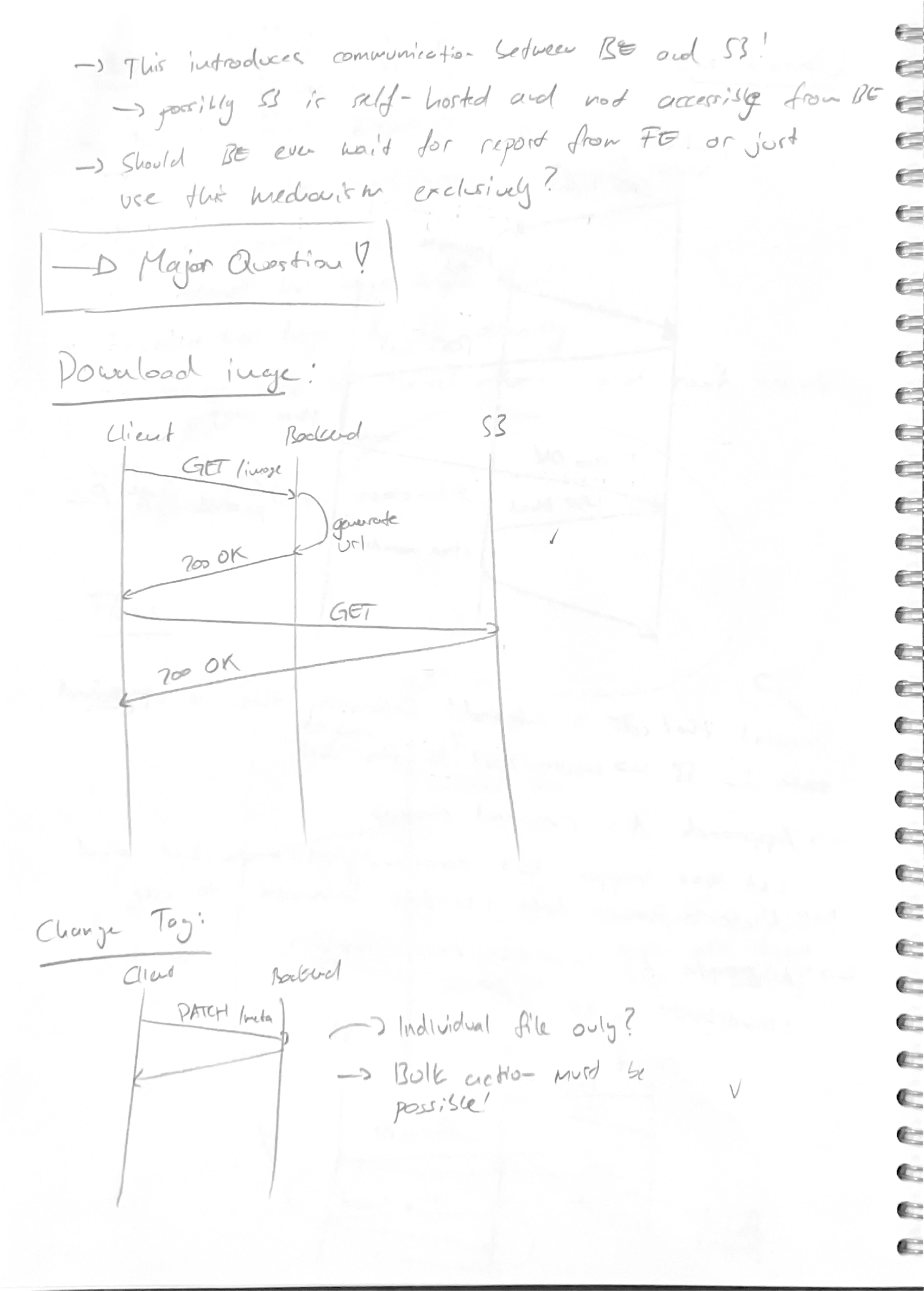
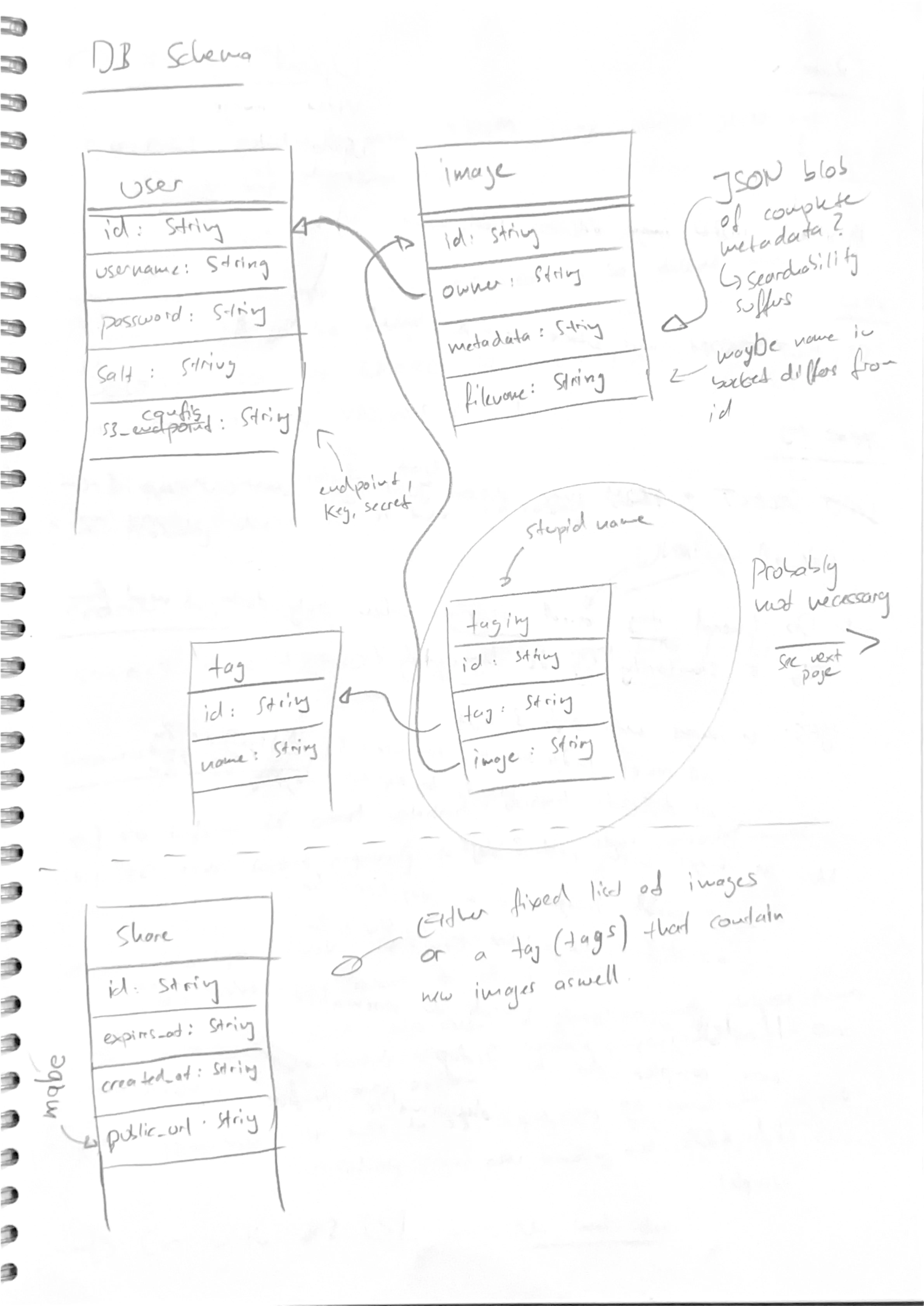
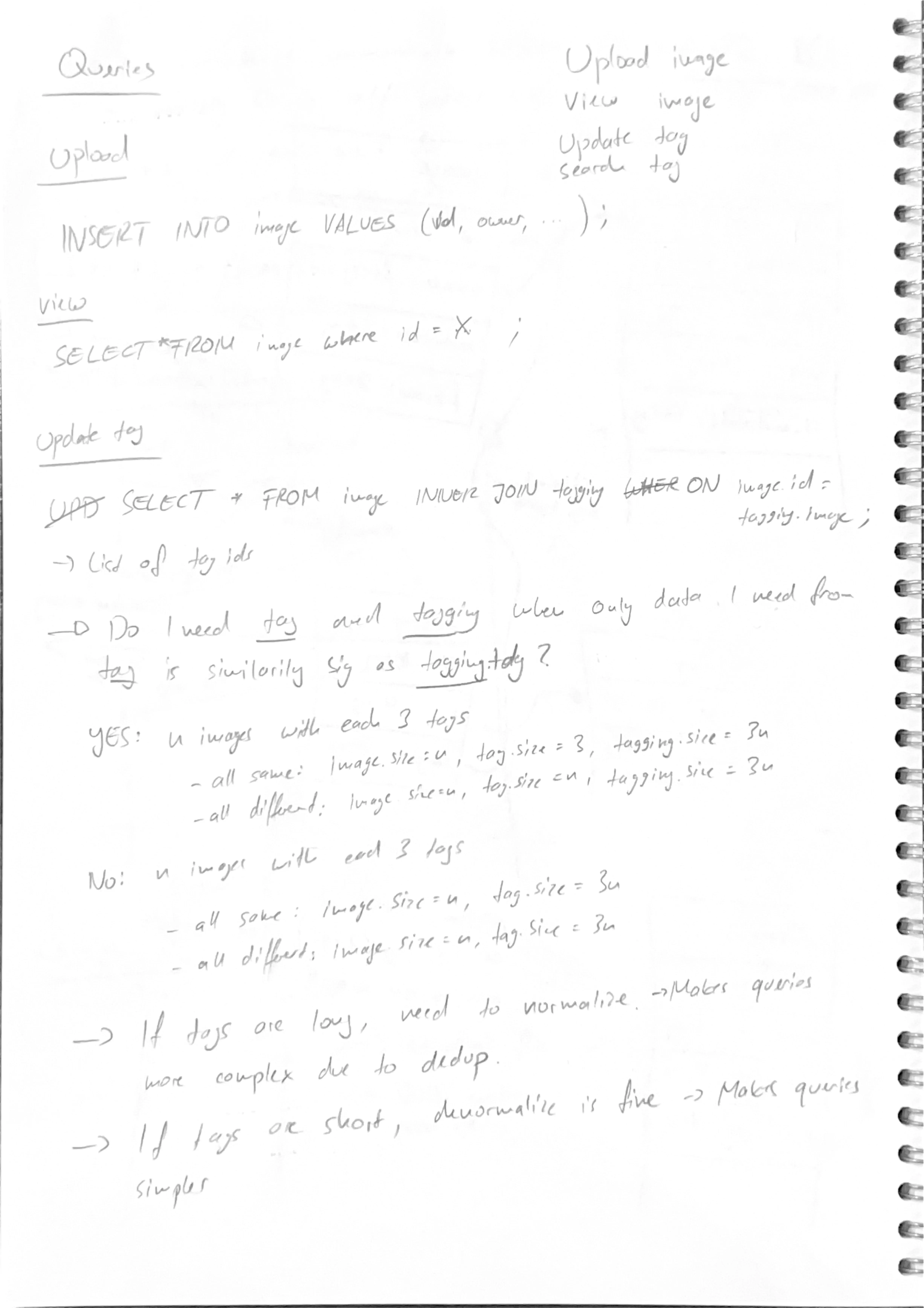
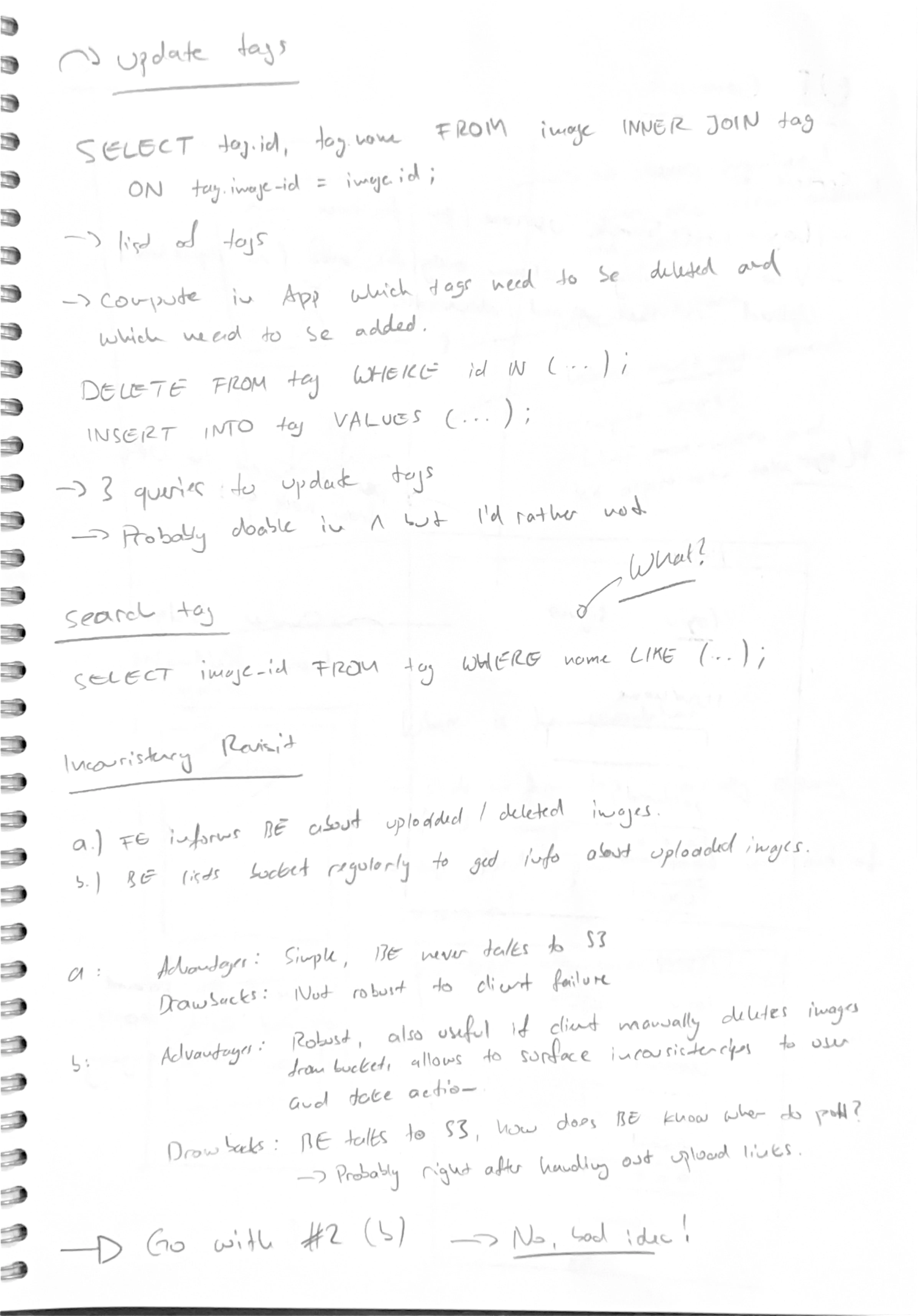
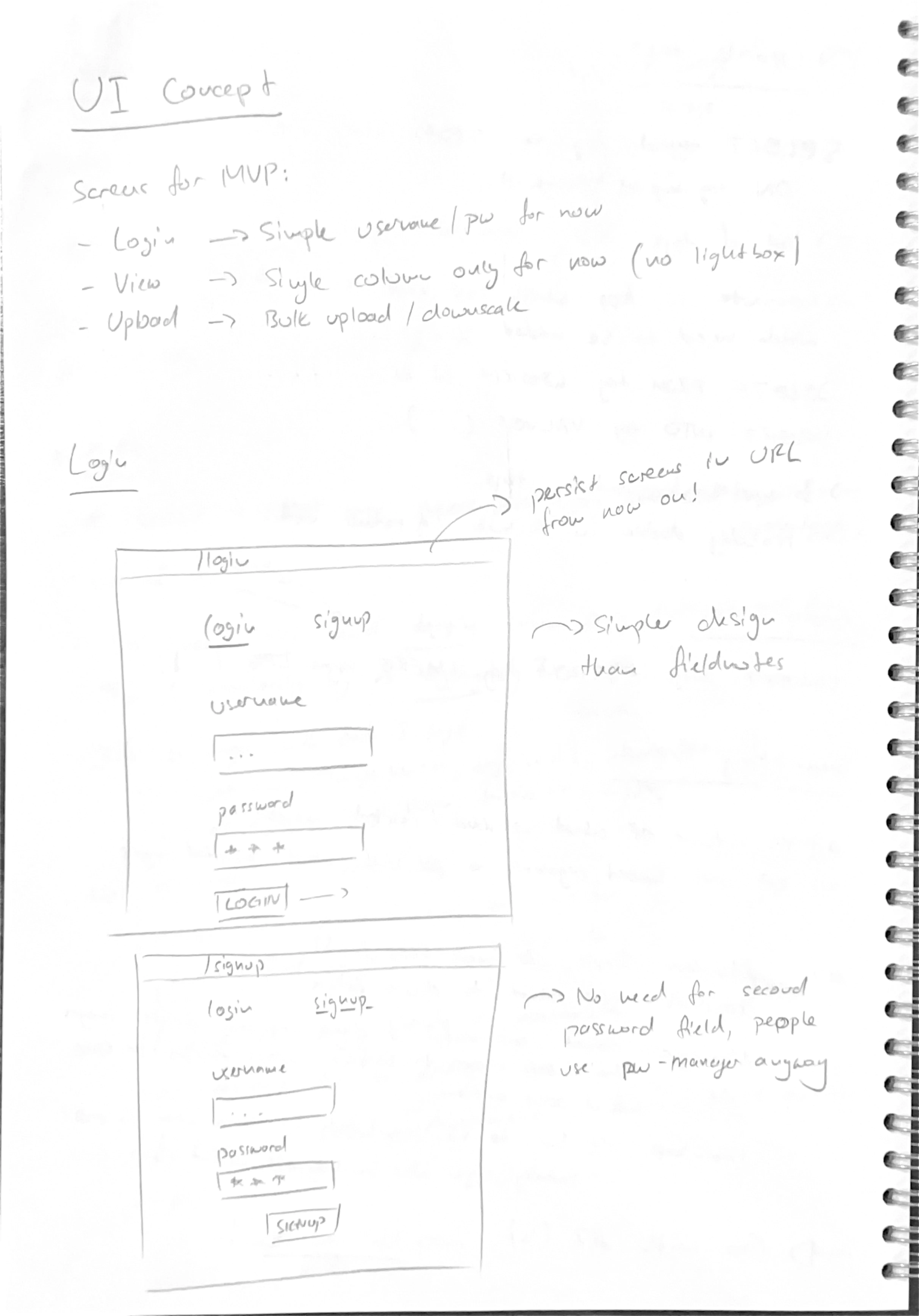
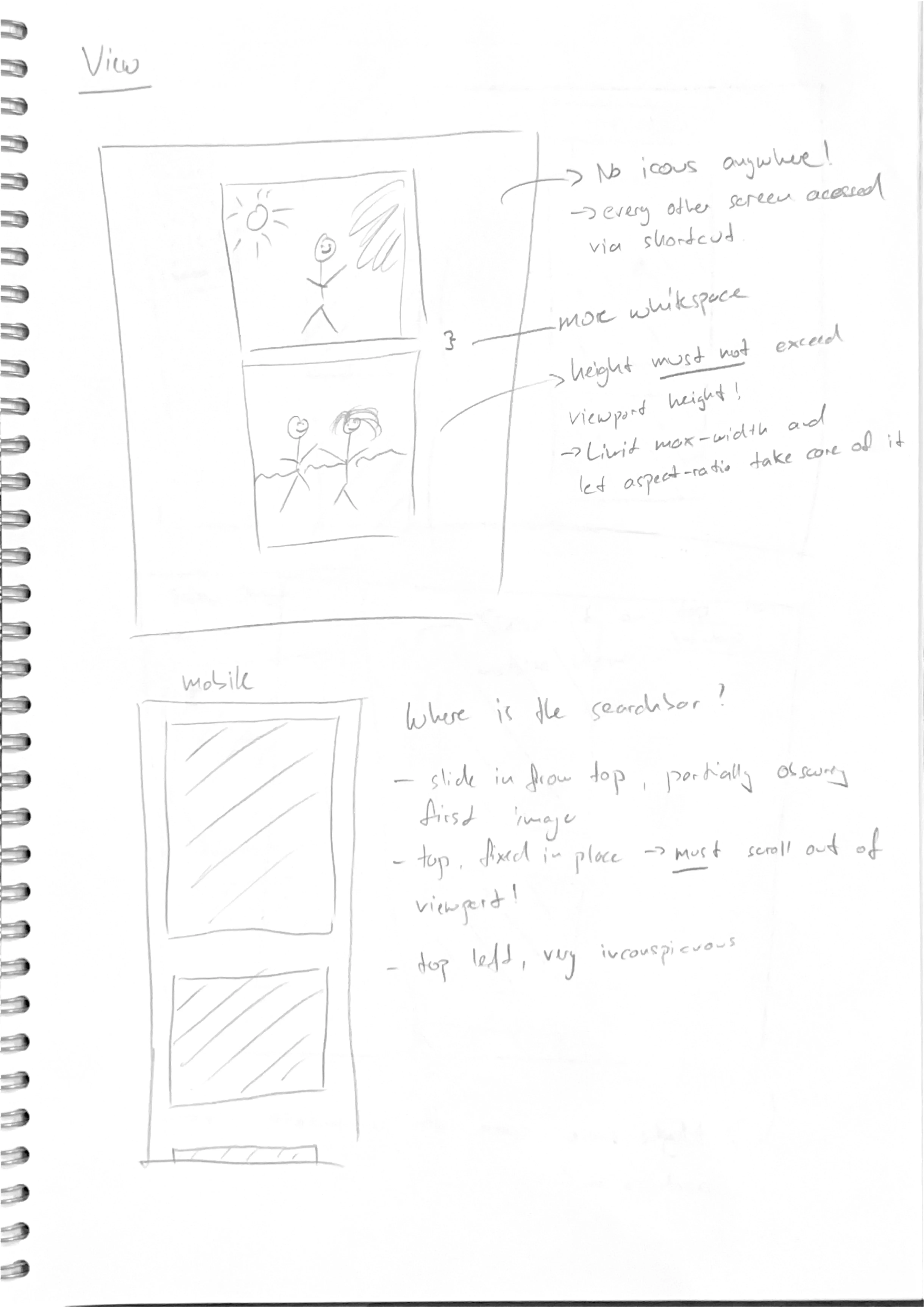
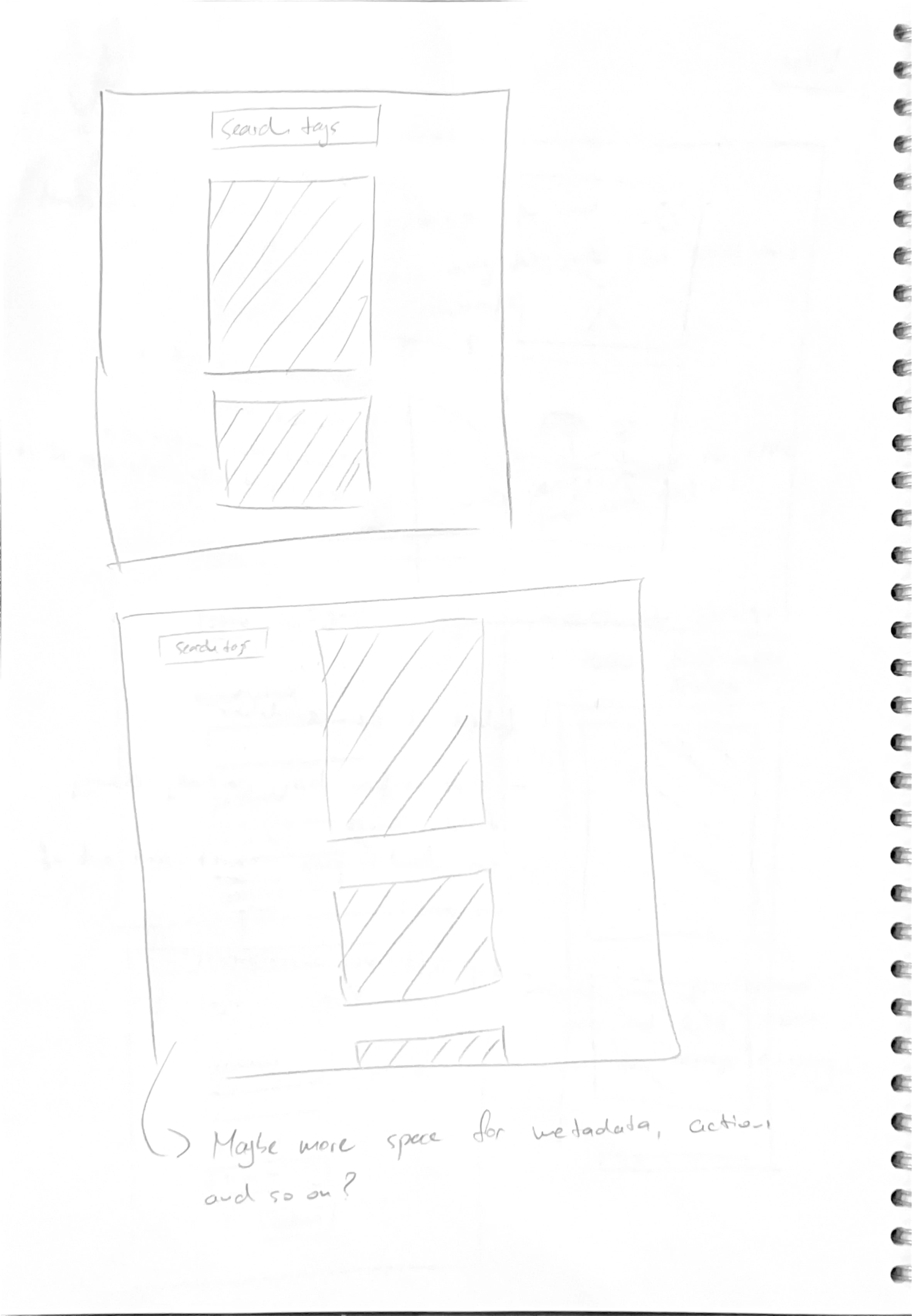
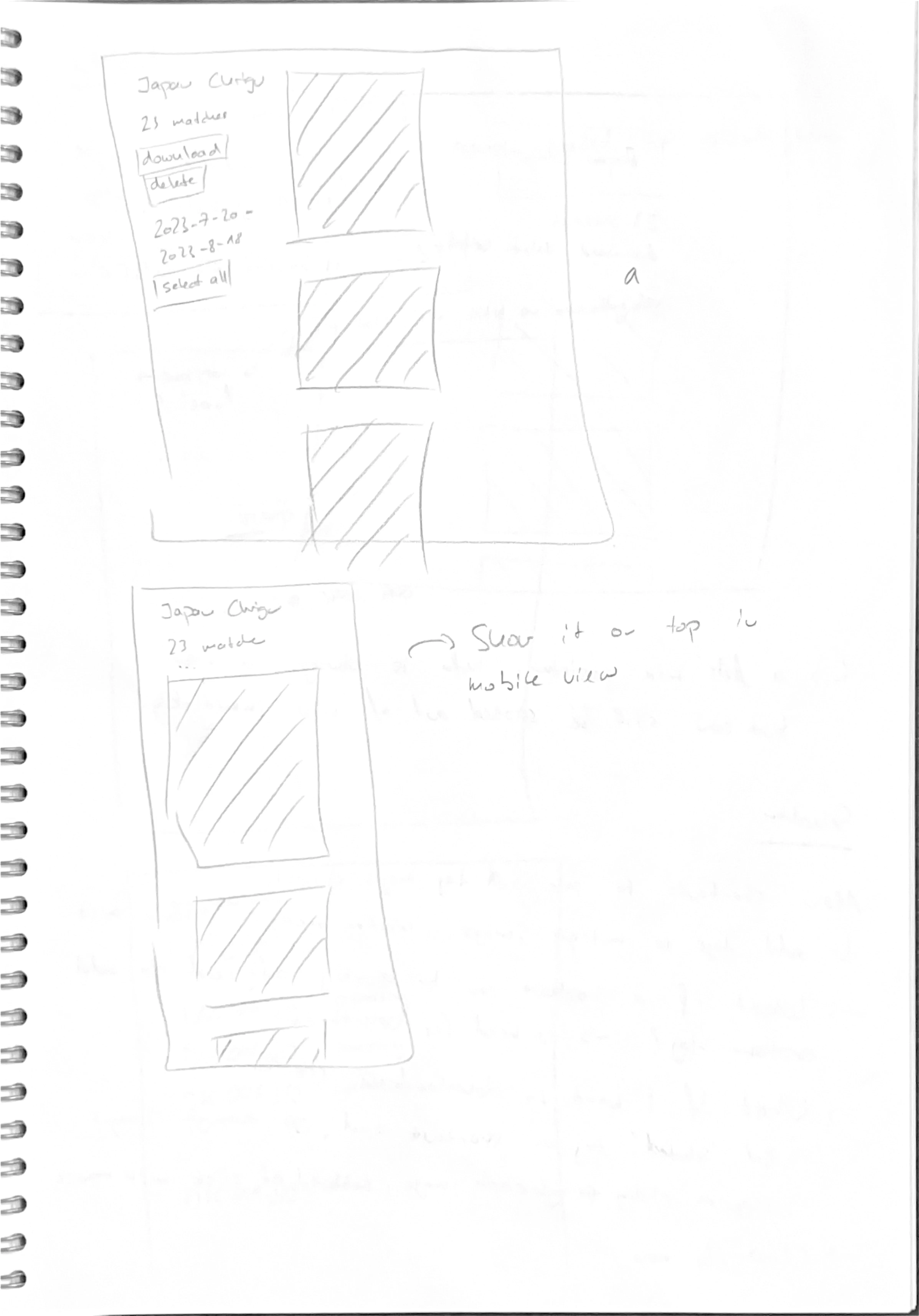
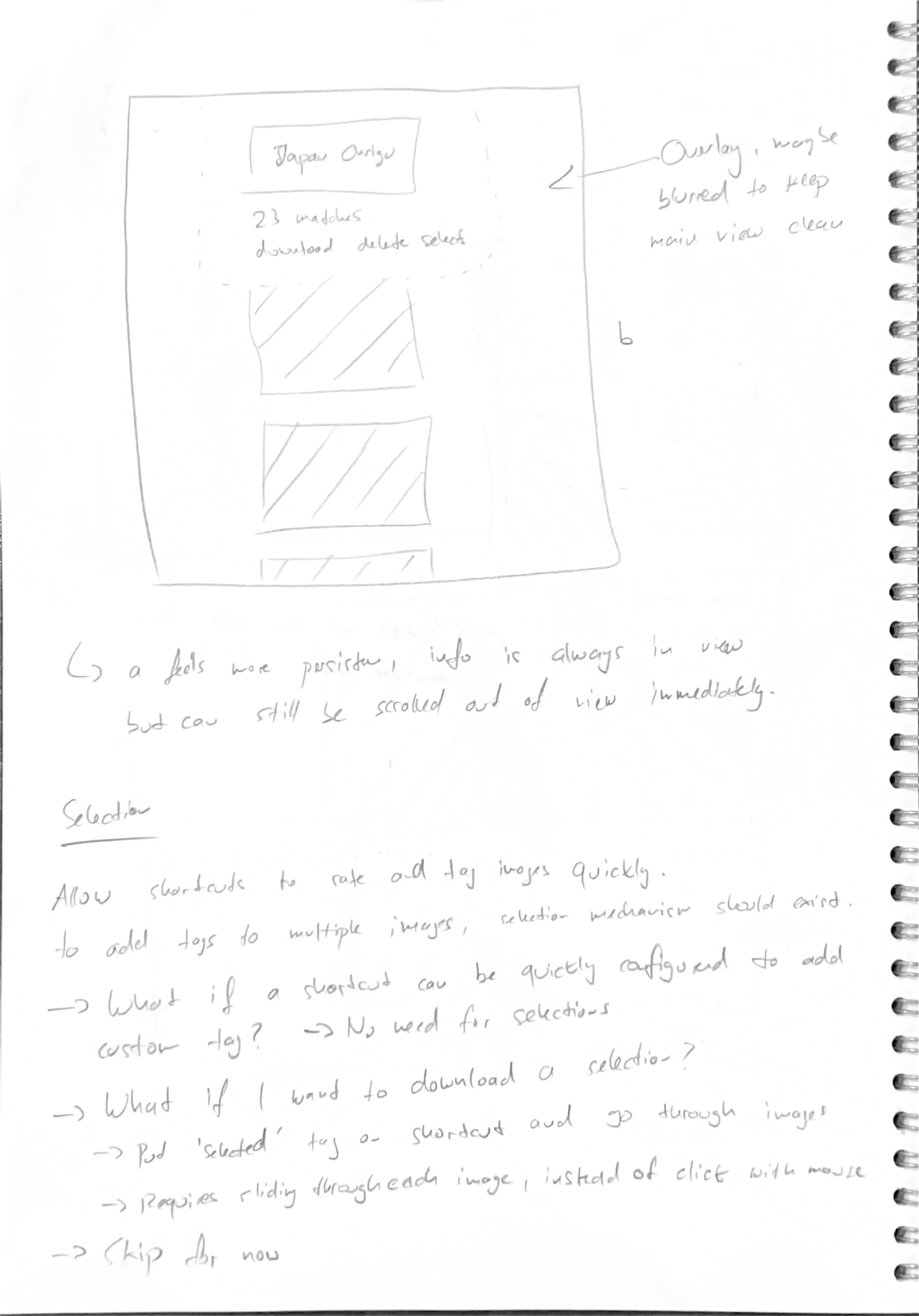
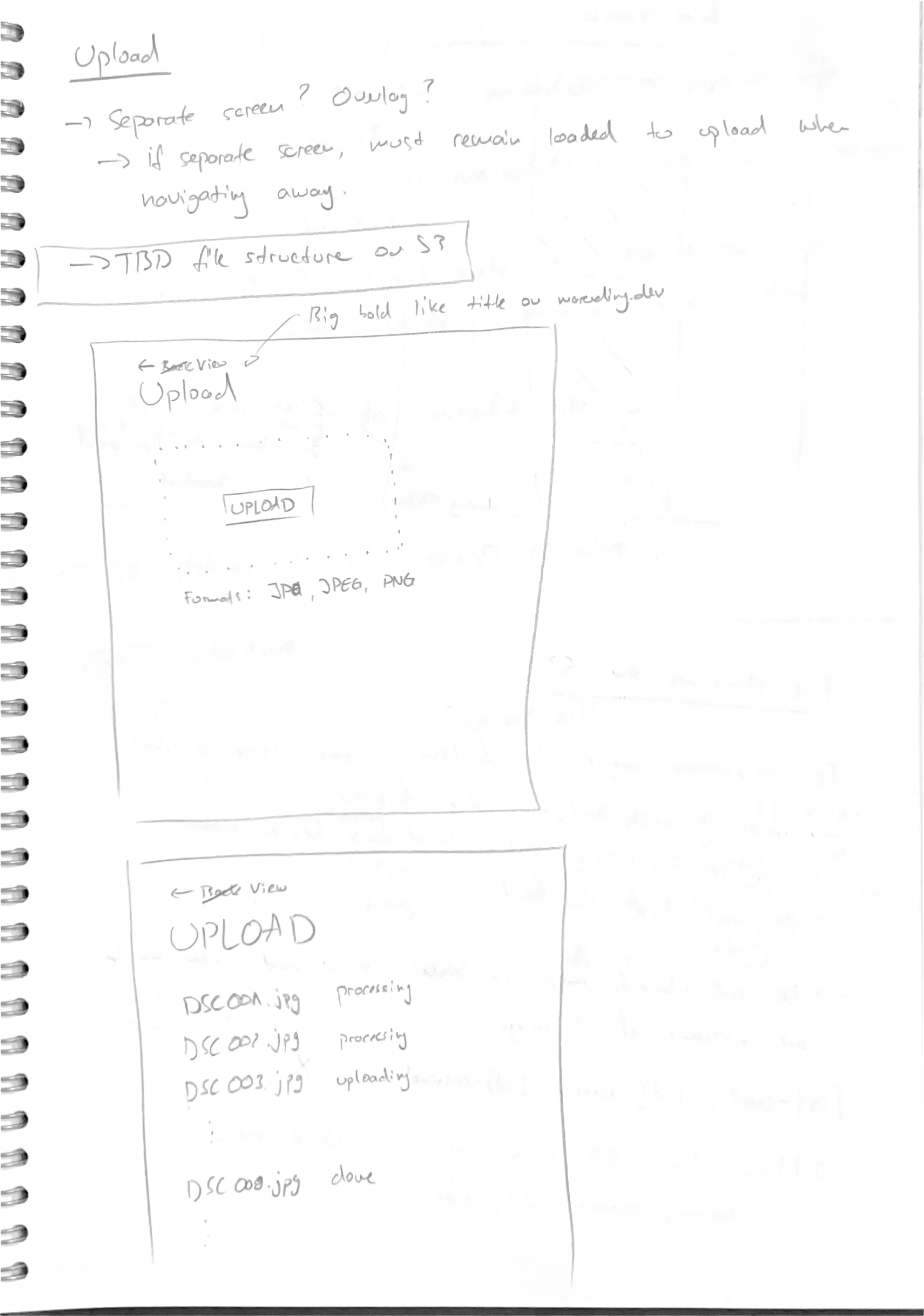
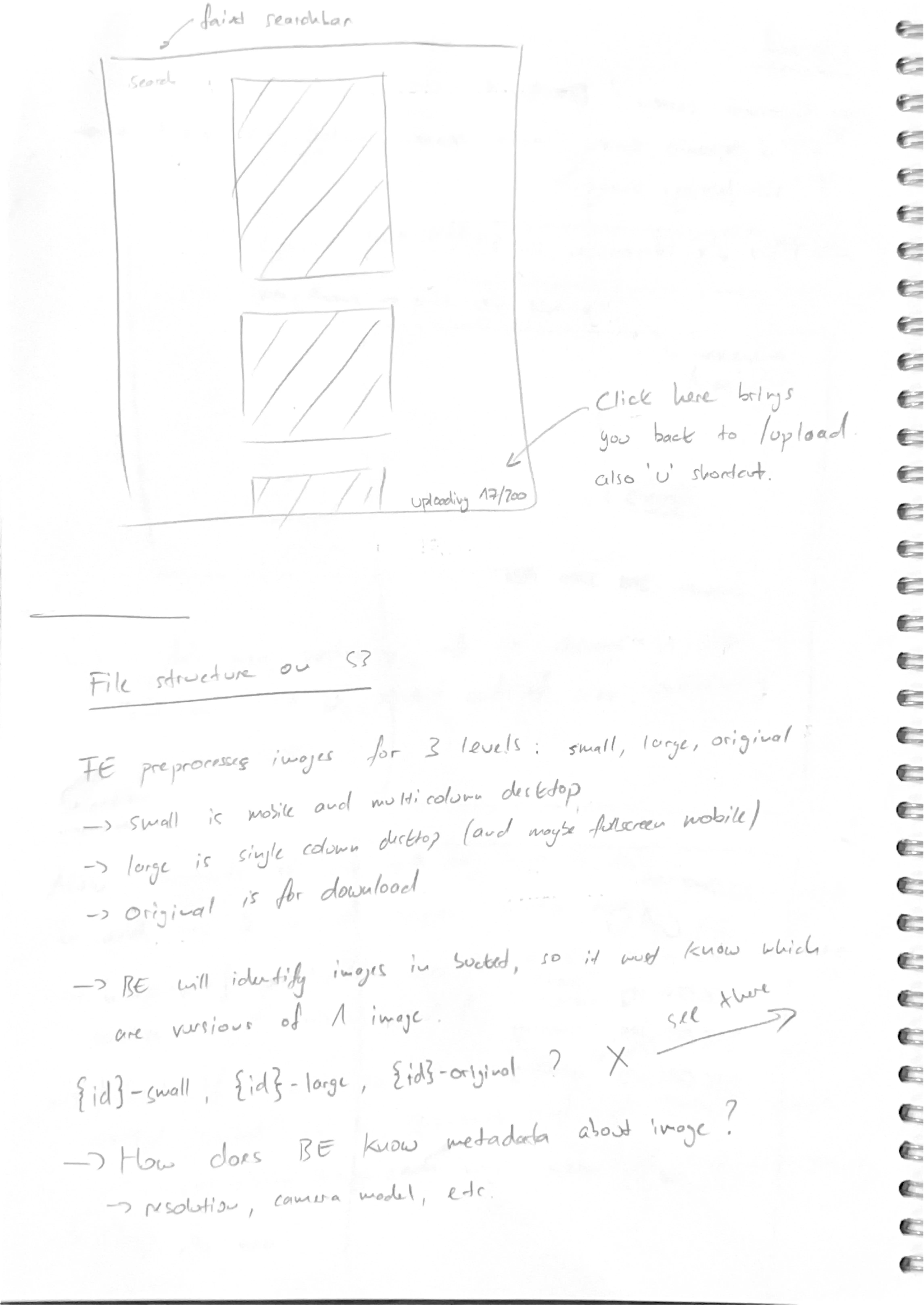
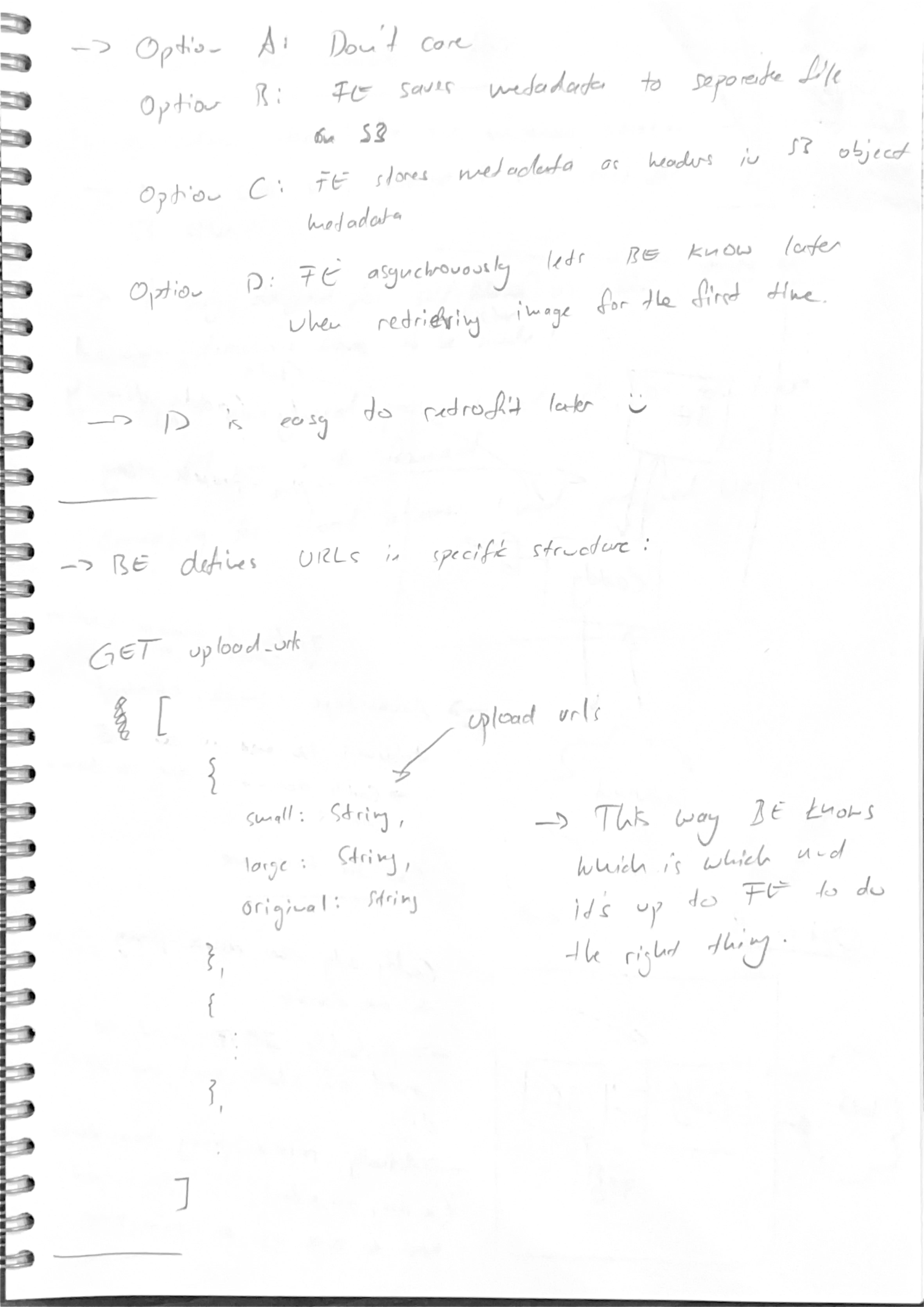
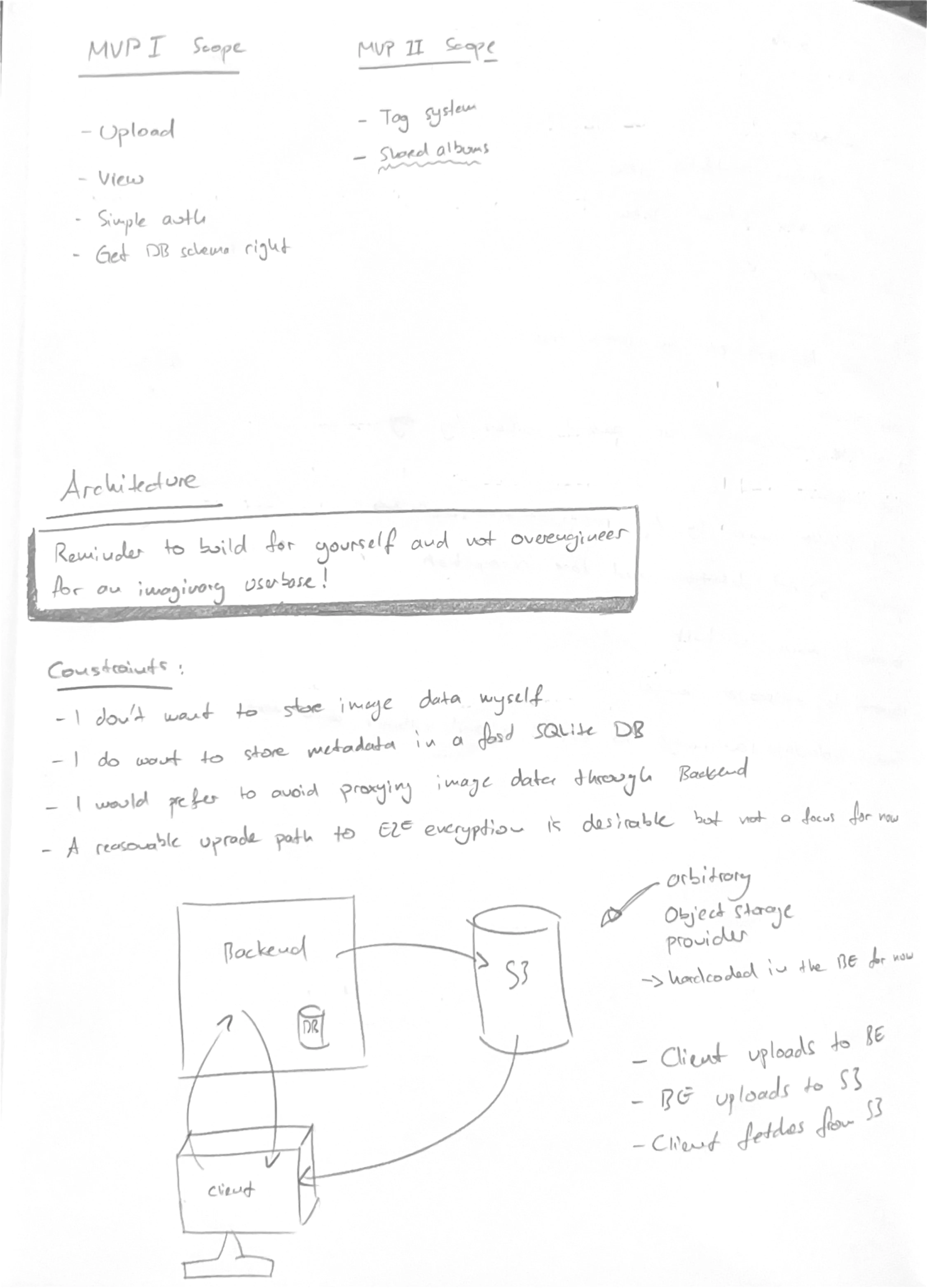
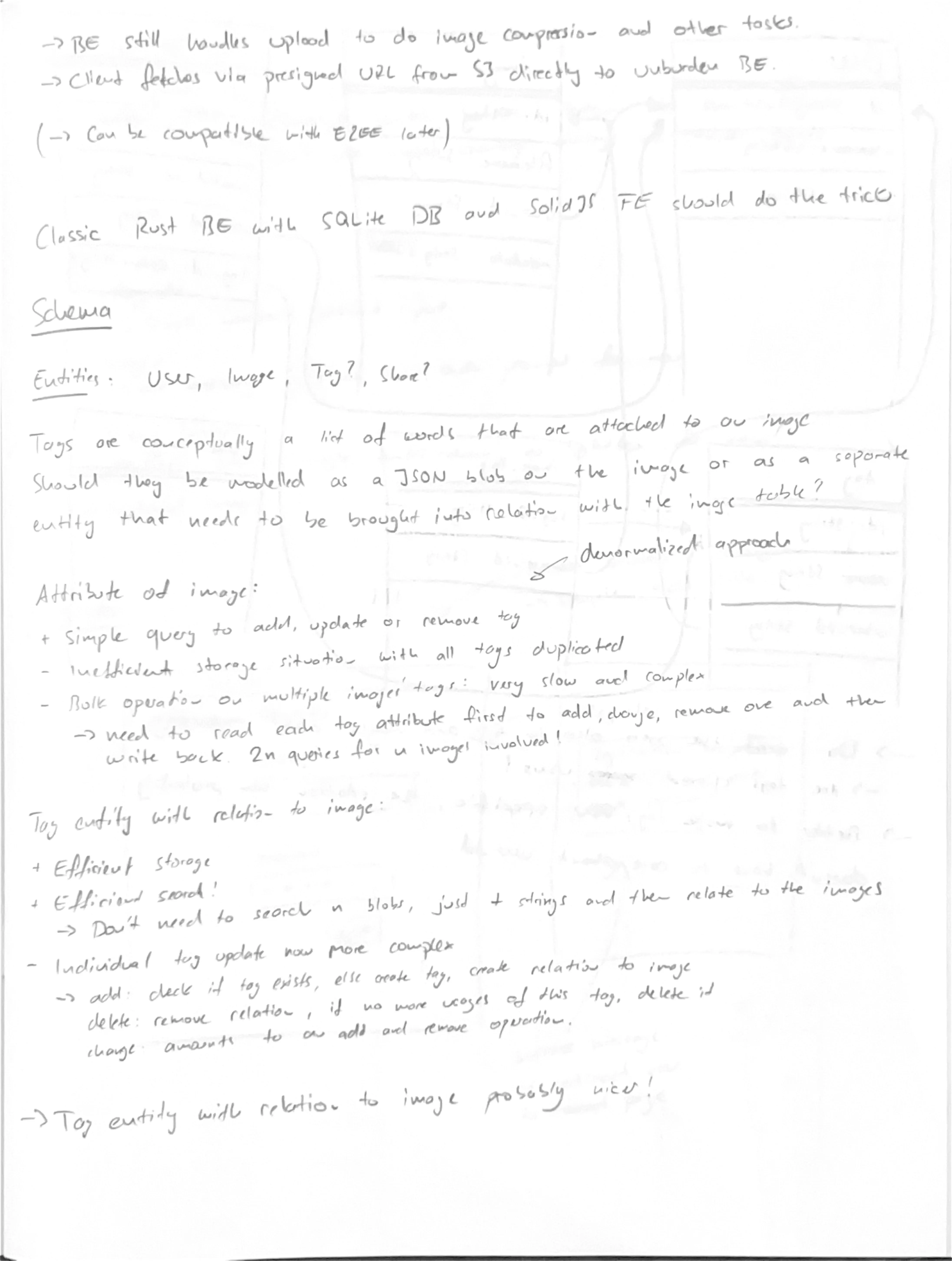
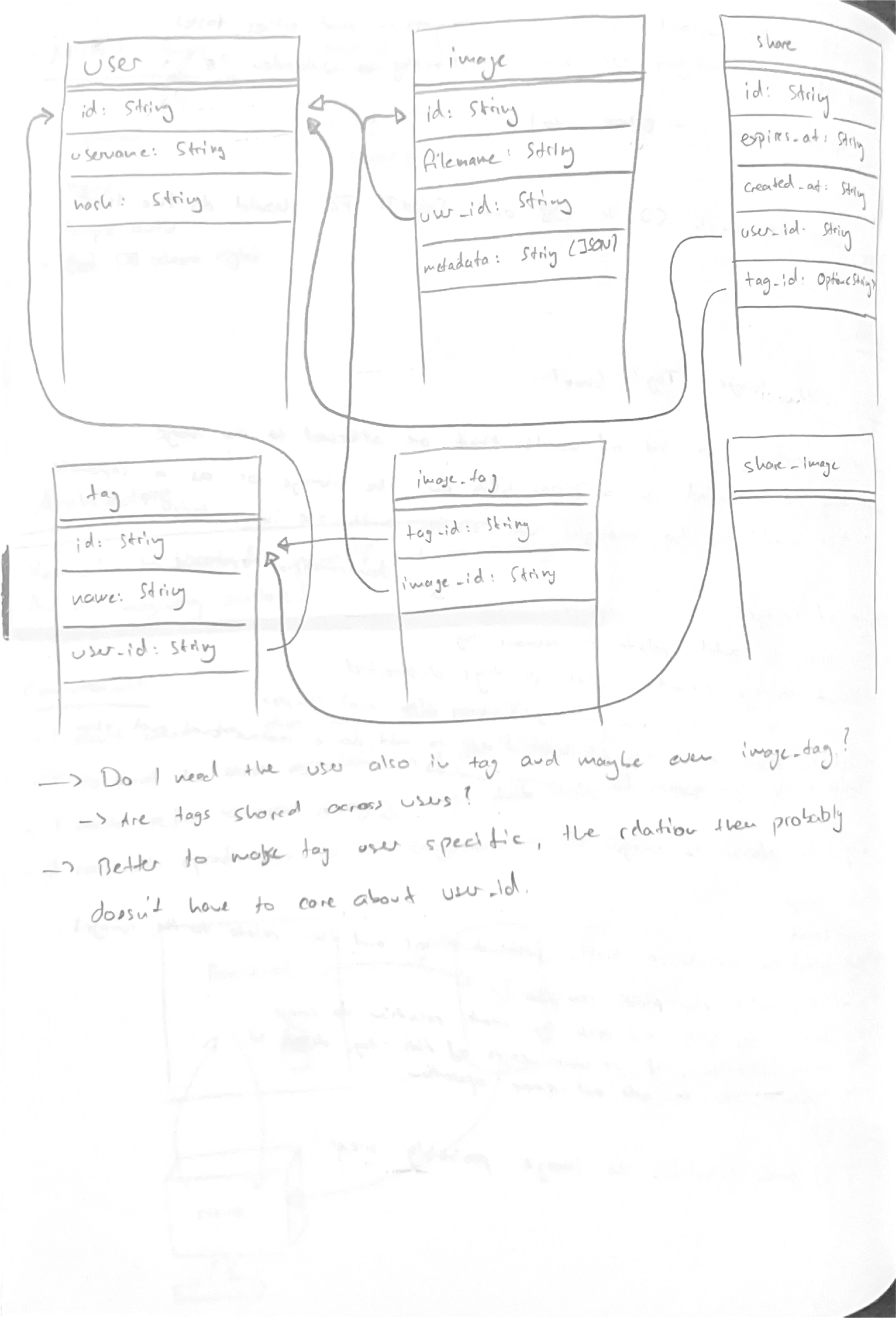
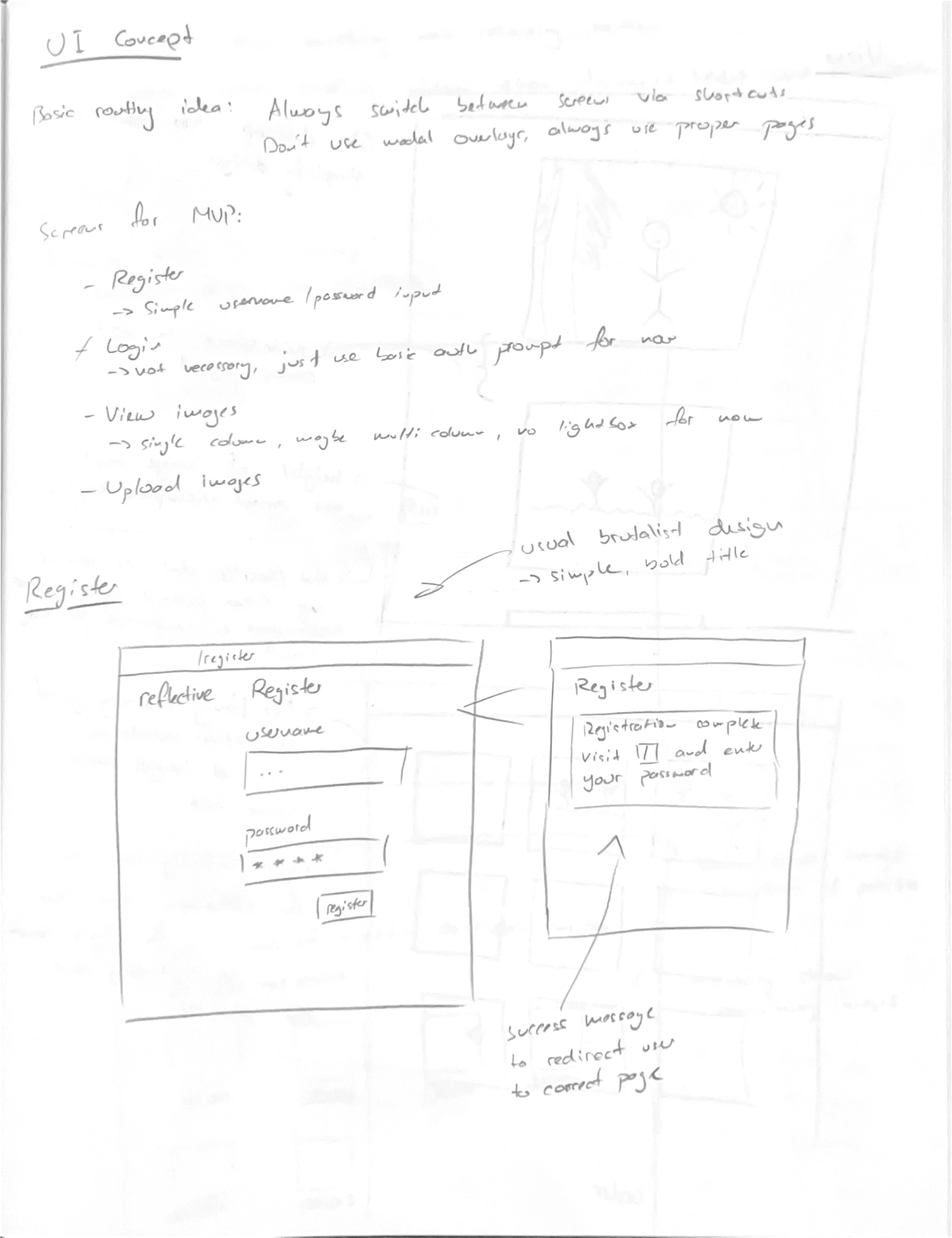
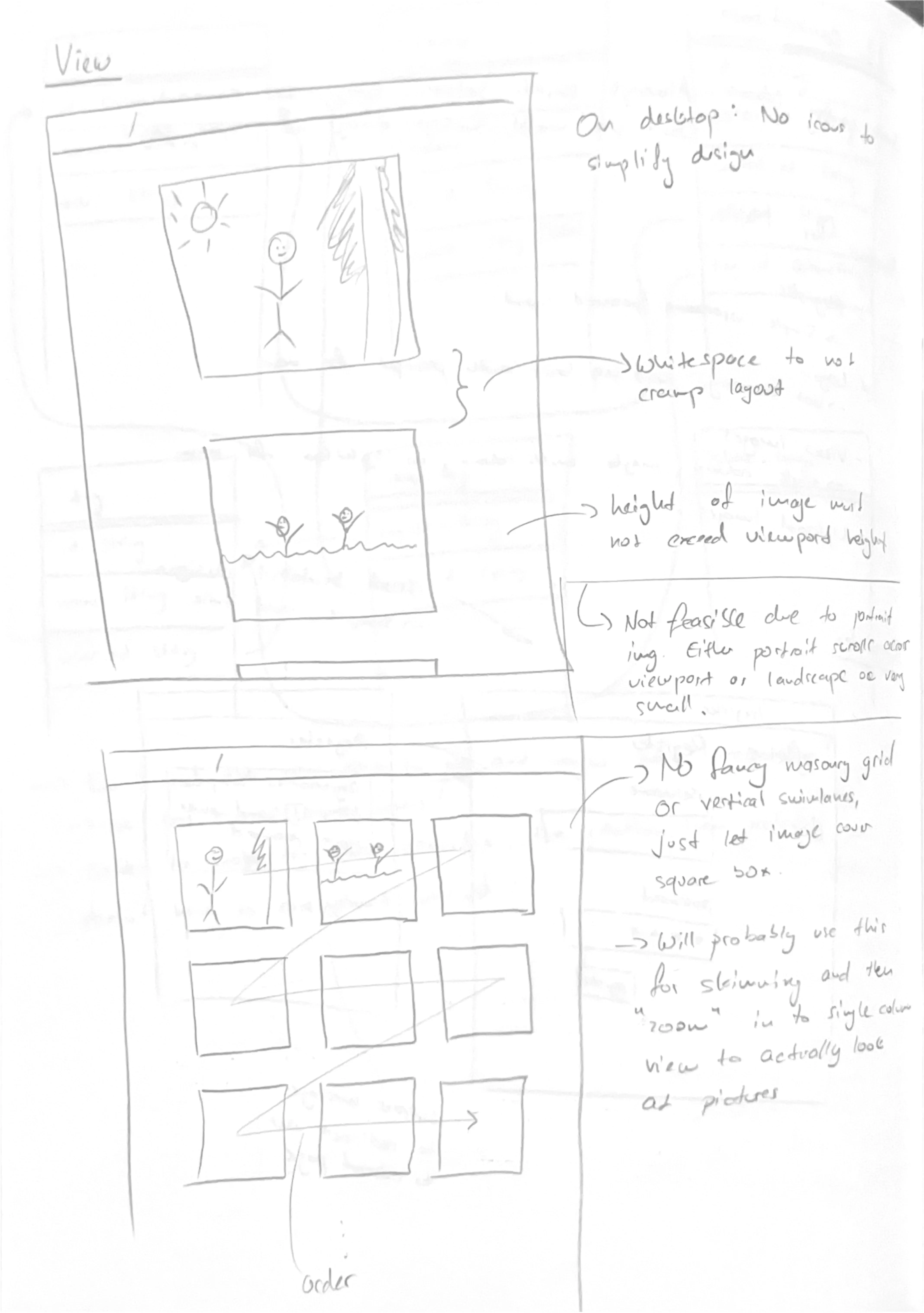

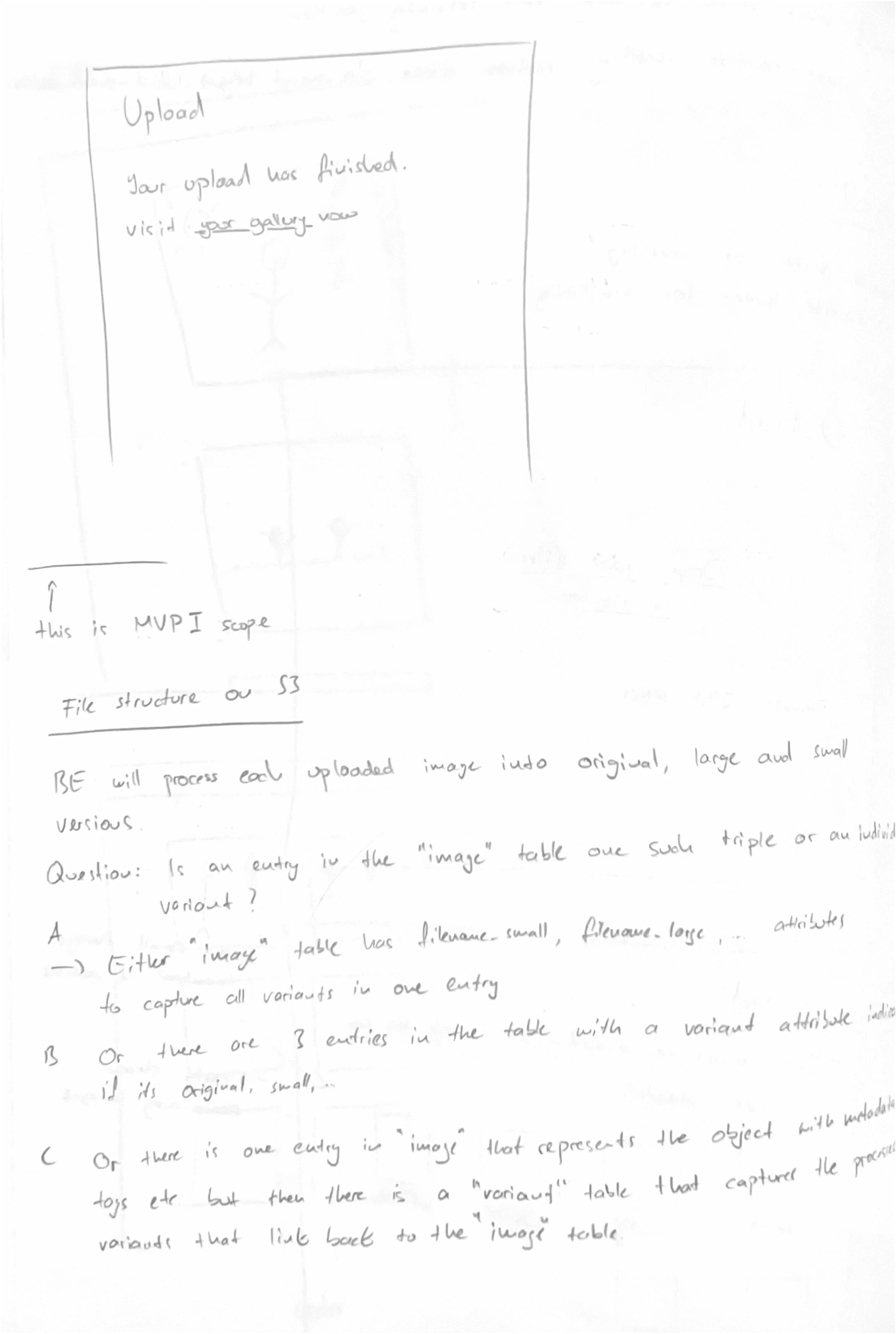
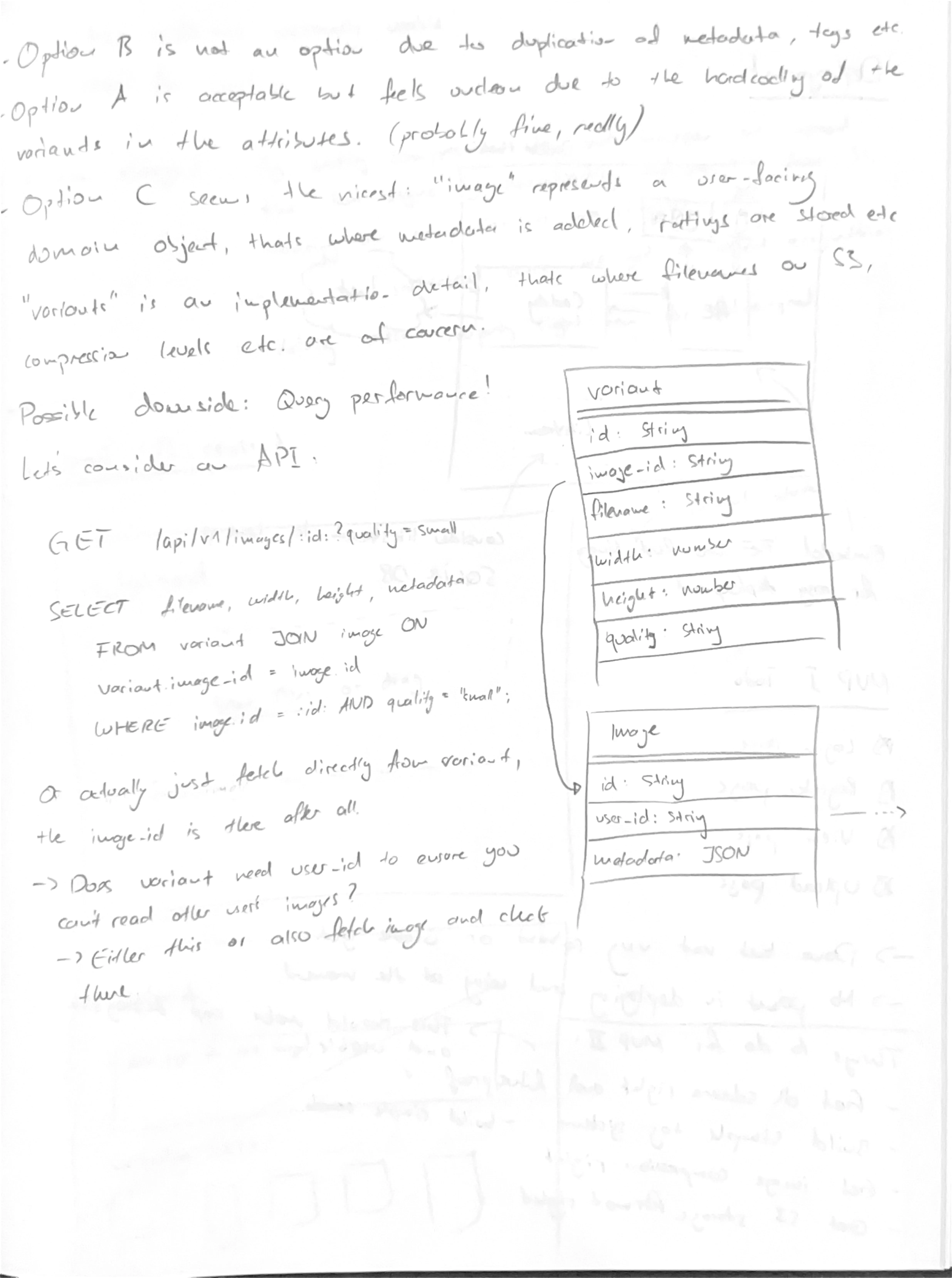
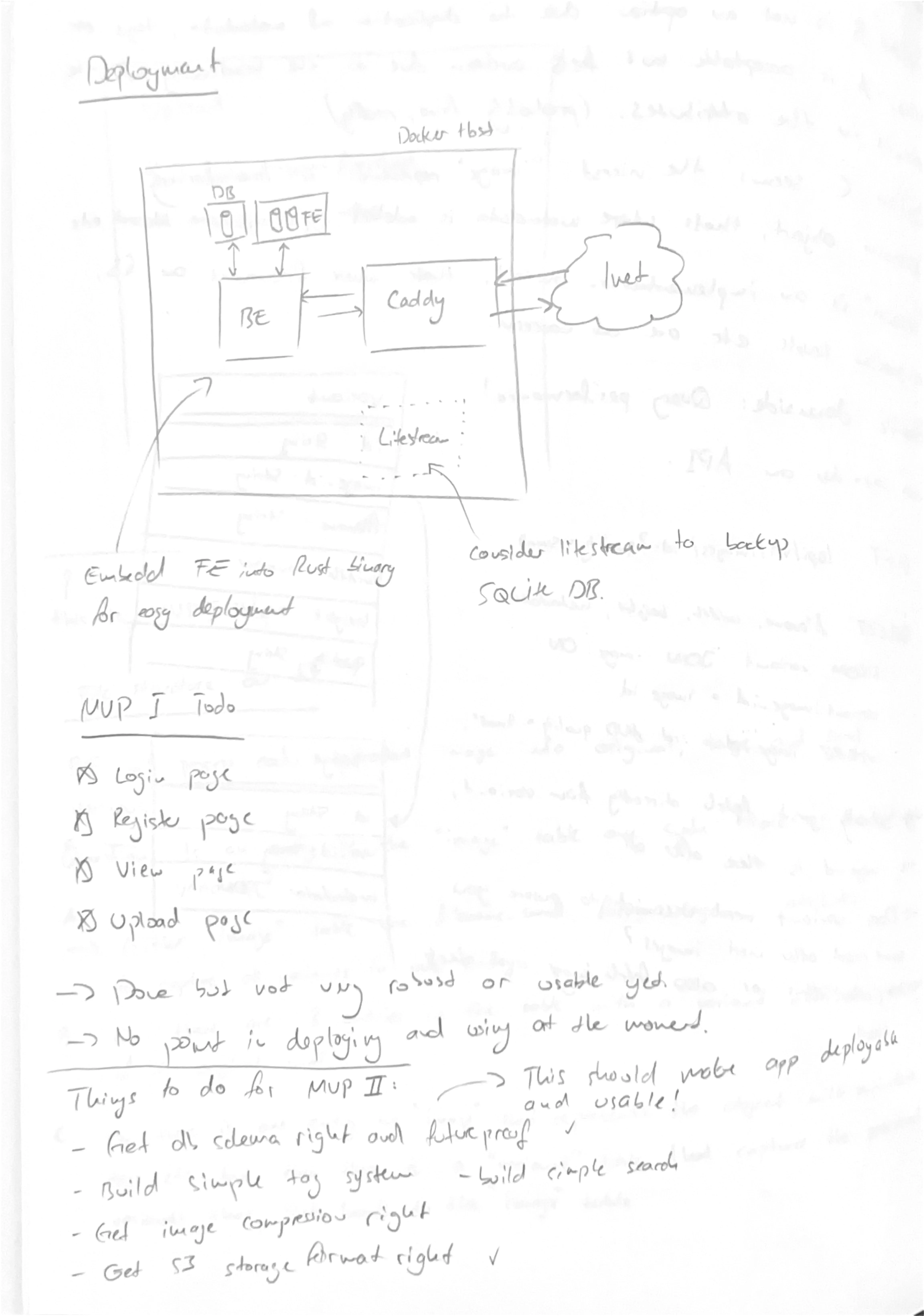
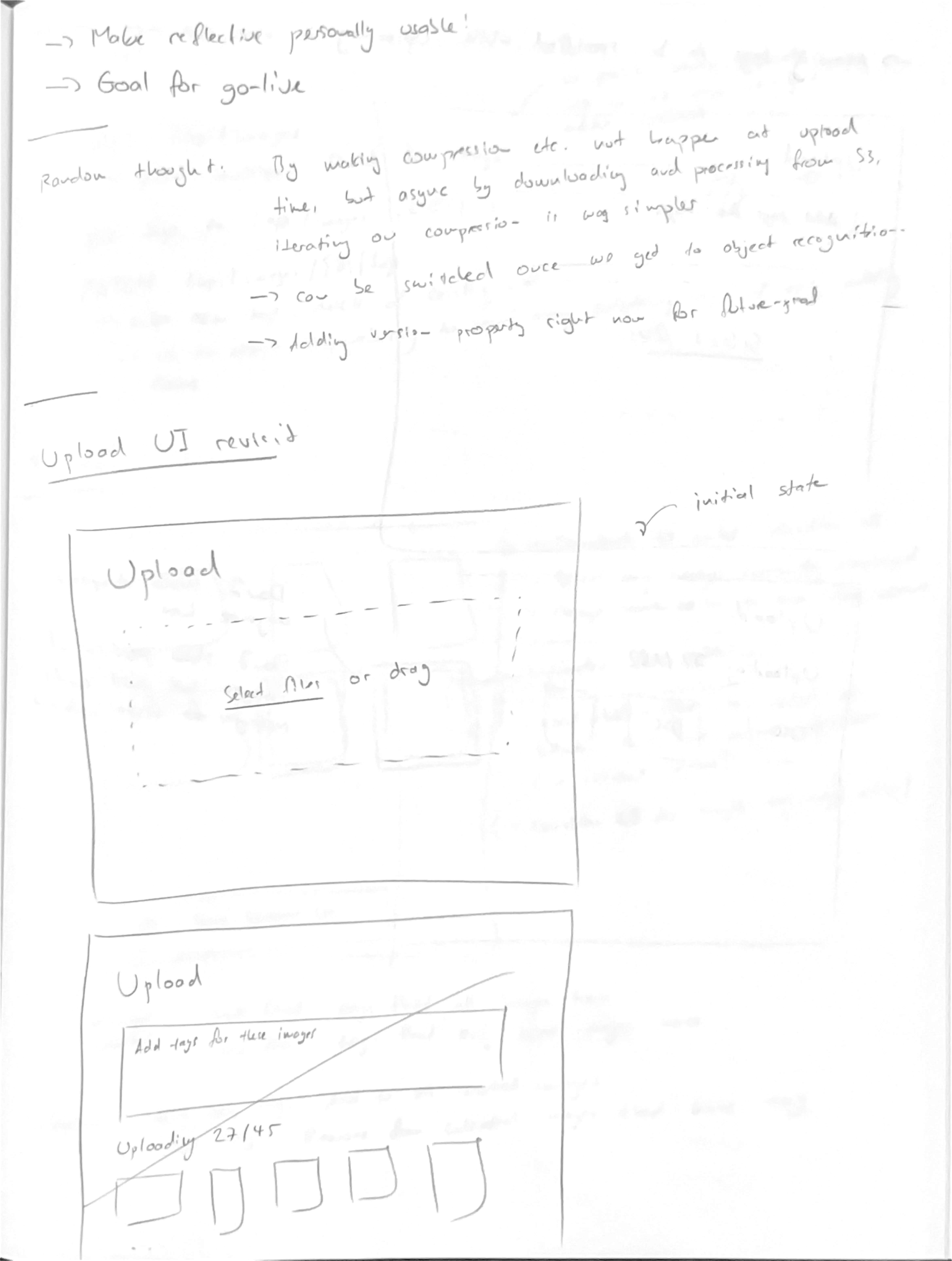
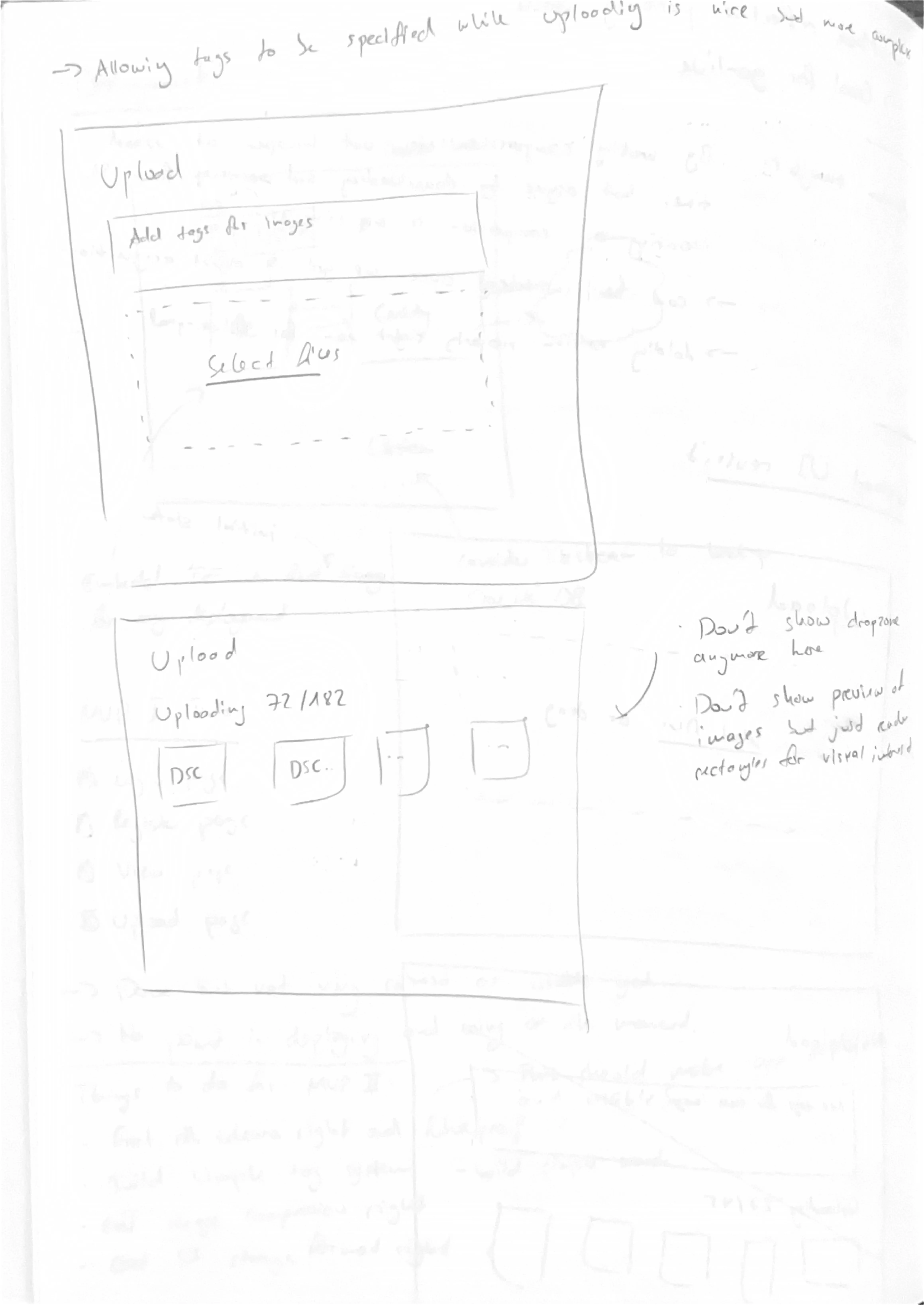
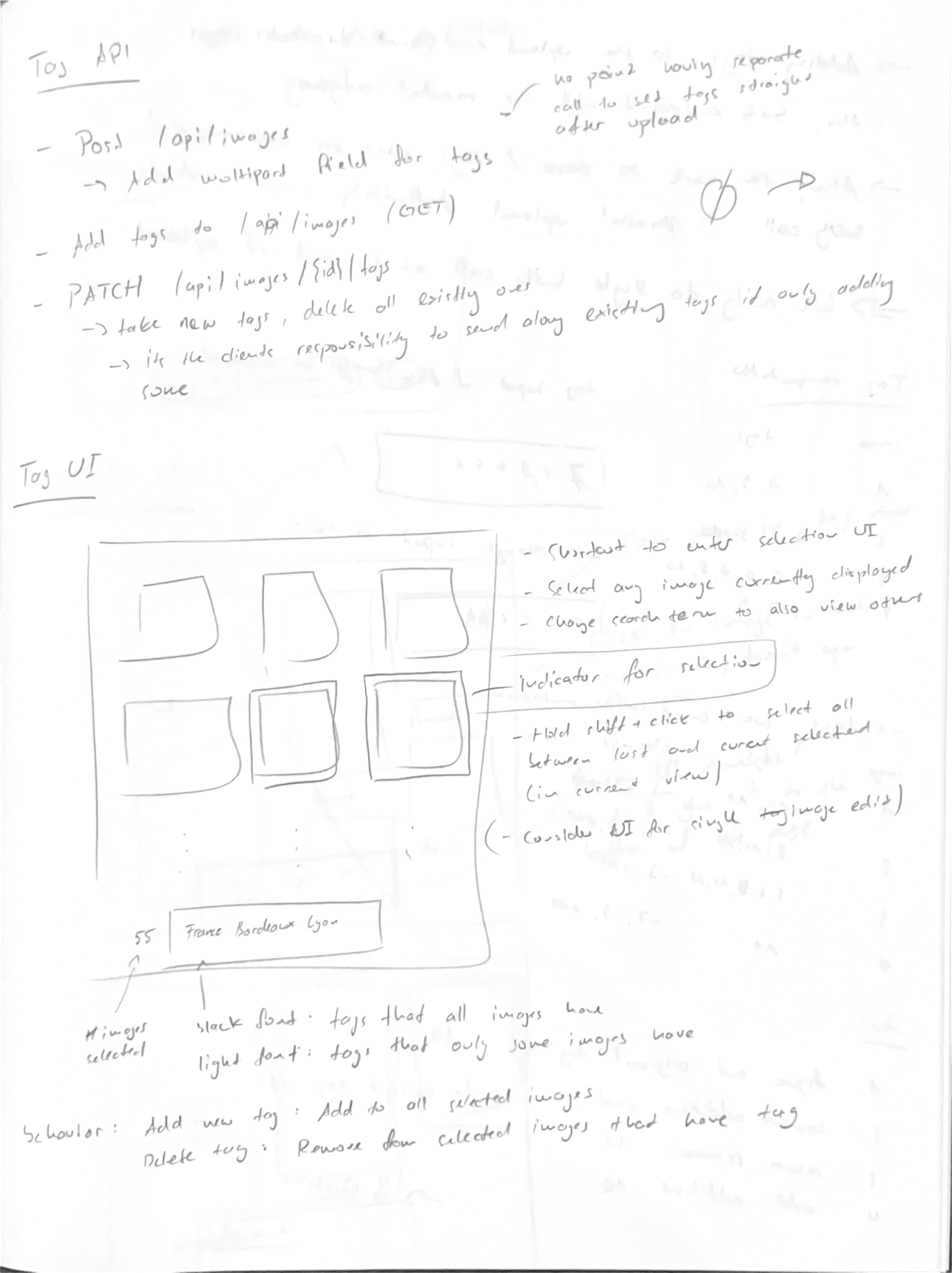

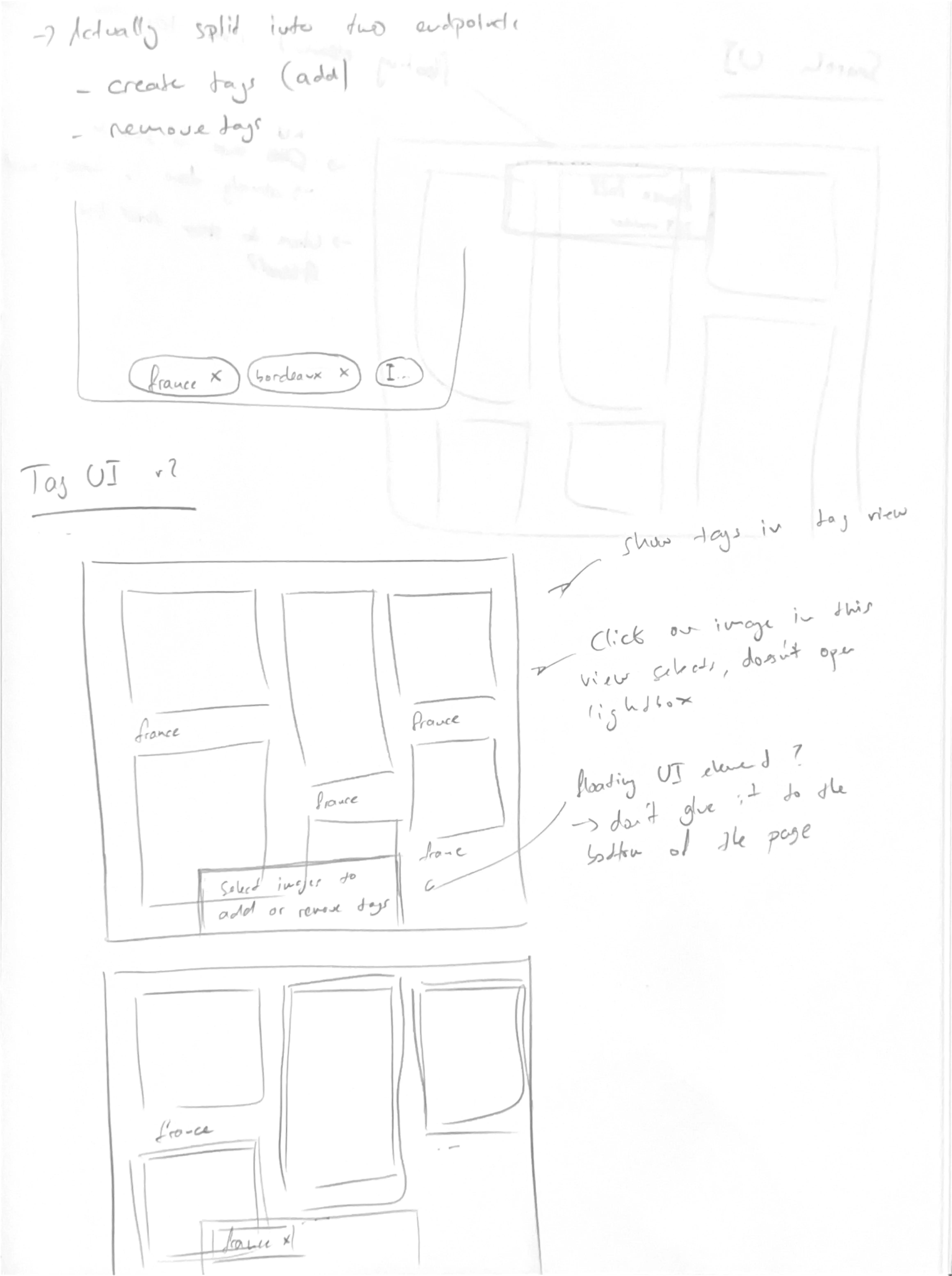
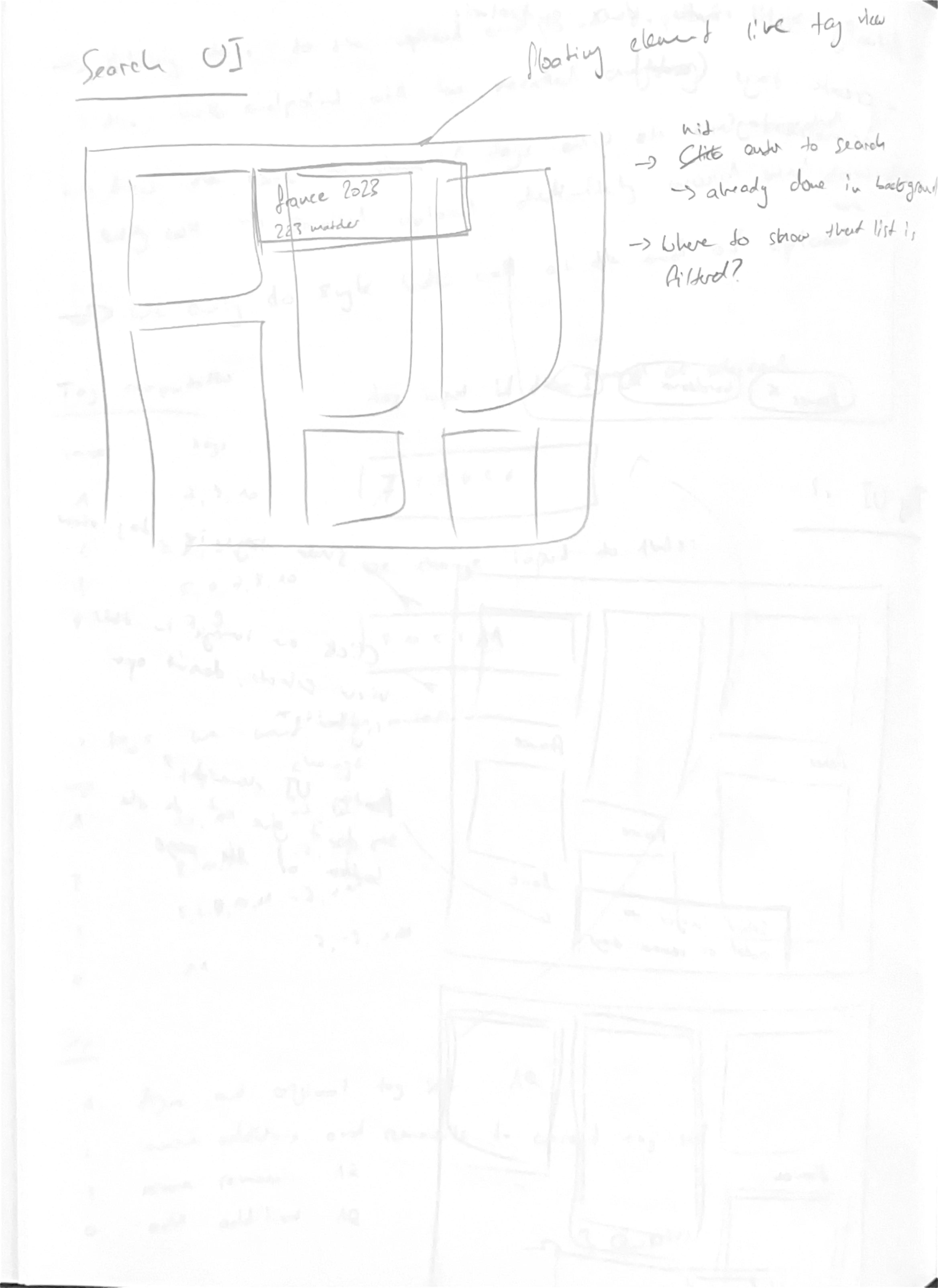
At first, I was convinced I should store image data in S3. After all, storing images on my server wasn’t scalable. Architecturally, collocating that much data with the application server is a bad idea. But storing the data and metadata in separate places creates a synchronization problem. You’ll find plenty of musing about this issue in my notes.
Once again, I expertly ignored the fact that I’m the only user and could just skip this whole problem. After implementing the entire system with upload functionality, presigned S3 URLs, and all that complexity, I unceremoniously ripped it out. Instead, I now store images on the server, have the server asynchronously process them for thumbnails, and serve the images directly.
The architecture has been simplified to the point where there’s nothing left to discuss.
Learnings
Reflective continues my eternal battle against over-engineering. By now, I have the concept of MVP scope down — I always try to simplify to a barely usable application and iterate from there. The problem this time was that my scope included functionality for an imaginary user base. I hadn’t yet internalized the idea of home-cooked software.
Halfway through the concept, I even wrote this note to myself:
Reminder to build for yourself and not over-engineer for an imaginary user-base!
- Me (to myself)
And yet I carried on designing a system that would scale to lots of users instead of focusing on what I needed. Building significant functionality only to rip it out later hopefully taught me to recognize these situations earlier next time.